X350 3D-Printer Quick Start Guide
Seite: 13/29
Stand: 2016/03/24 13:55
© German RepRap GmbH 13/29
Software installation
The X350 3D-Printer comes with a license of the software Simplify3D™ You can download the correct
version for your operating system under https://www.simplify3d.com/downloads/ after entering the
license key. Launch the installation in accordance with the installation instructions you find there.
As the X350 has NO direct interface for USB-PC connection, instructions about printing via USB in the
following section are not applicable. The generated Gcode is exported from Simplify3D™ as a file, and
then fed to the printer via SD-card or via the network.
An instruction on Simplify3D™ can be found here:
http://wiki.germanreprap.com/en/software/simplify3d
Printing with SD card
Other than the option to load Gcode files on the printer through the network, there is also the
possibility to save the Gcode from Simplify3D on an SD-card (FAT32 format, max. 4GB).
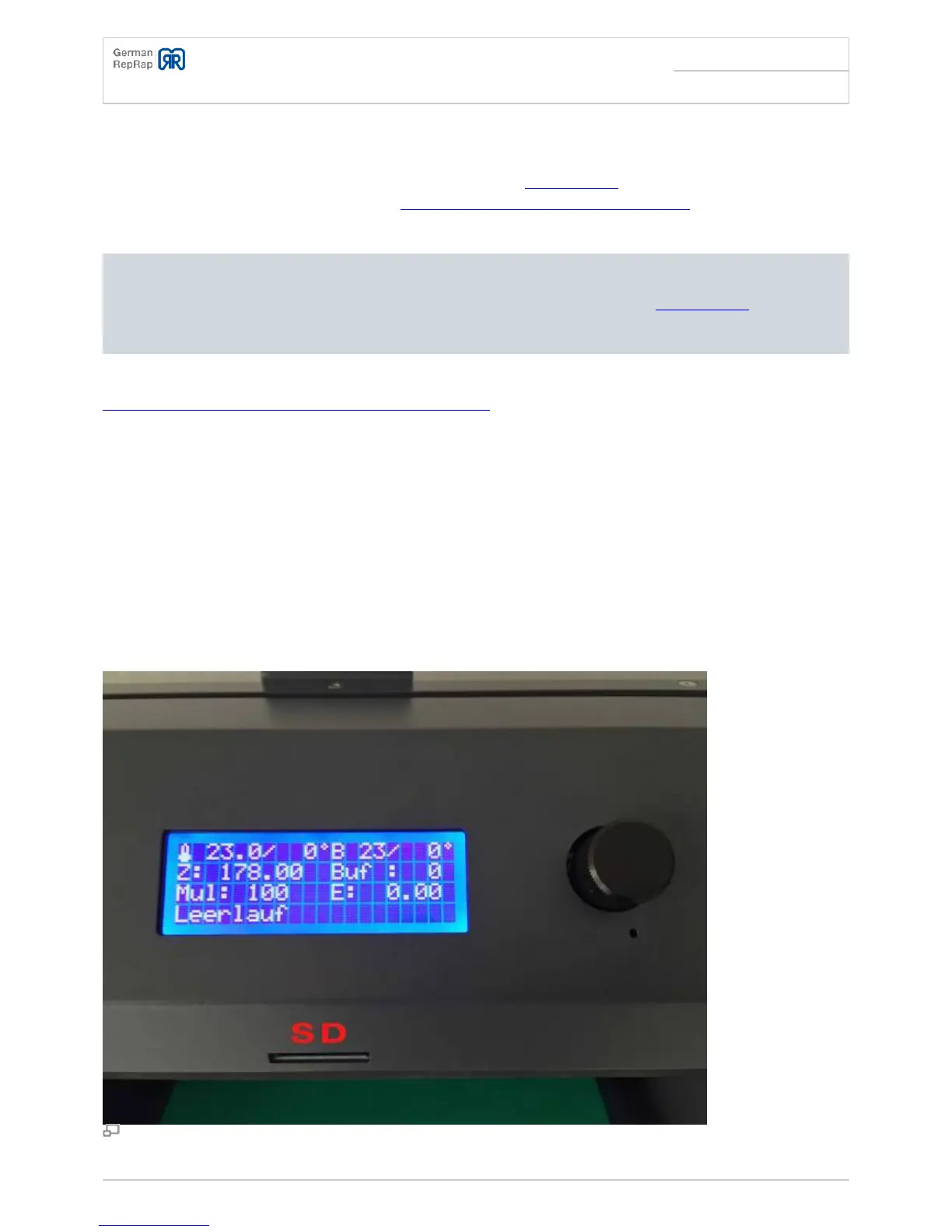
This SD card can then be inserted into the card reader in the front of the printer. Usually the printer
will then display the content of the SD-card. You can then select the correct file and start the printer
with pressing the button.
SD-Card slot



 To Next Page