X350 3D-Printer Quick Start Guide
Seite: 9/29
Stand: 2016/03/24 13:55
© German RepRap GmbH 9/29
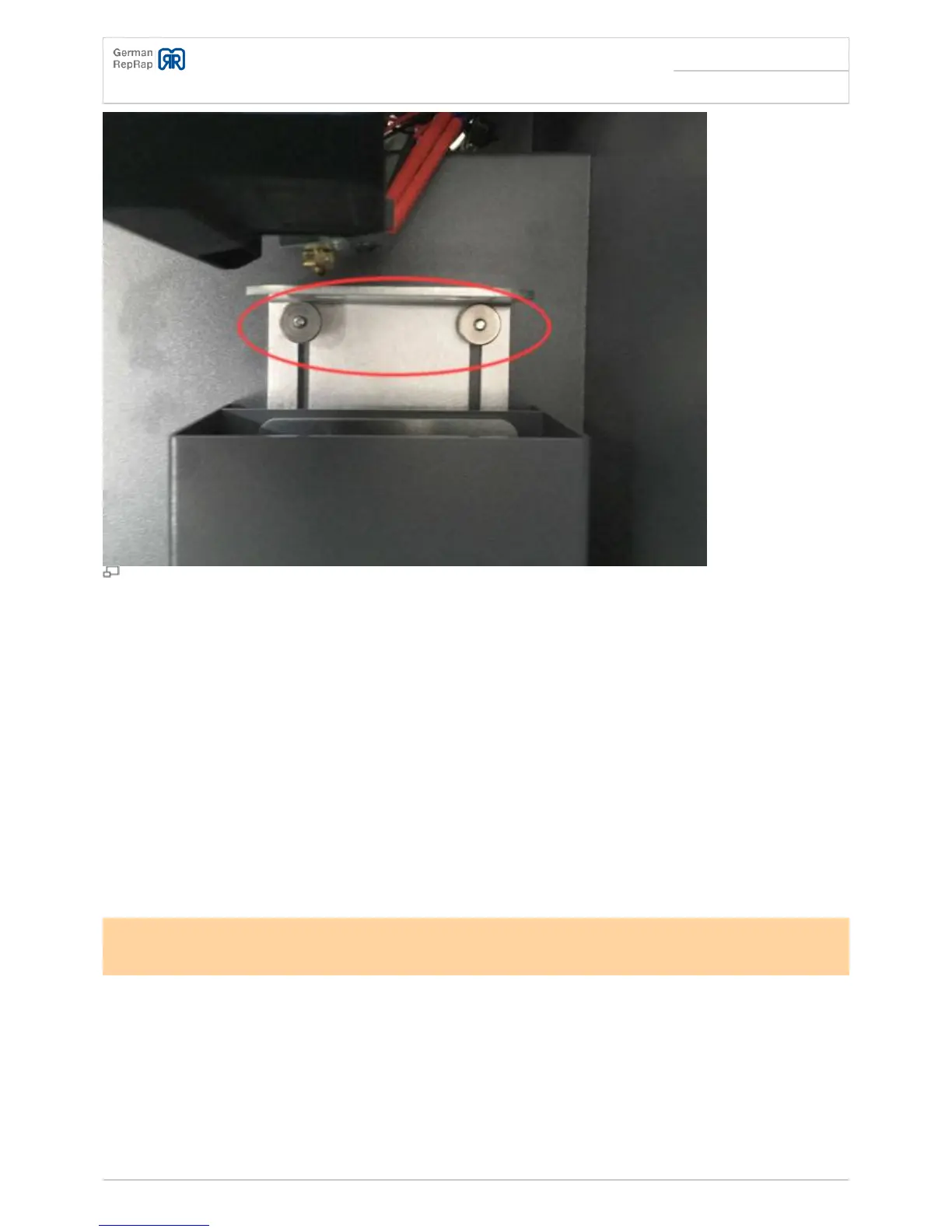
Waste container
Case fan control
Both of the case fans that are installed in the upper printer can be controlled through Gcode:
M806 S<220-255> - Turn on fan, whereby 220 = 86% fan speed, 255 = 100% fan speed
●
M807 - Turn off fan
●
Changes with Firmwareversion 3.1:
M106 P1 S<220-255> - Turn on fan, whereby 220 = 86% fan speed, 255 = 100% fan speed
●
M107 P1 - Turn off fan
●
The fan will only reliably start spinning at a set fan speed of 86%.
If the printing bed temperature is at 60 degrees (PLA) and the fan speed is at 100%, the temperature
in the printing space will be 30 degrees. If the printing bed temperature is at 110 degrees (ABS) and
the fan speed is at 100%, the temperature in the printing space will be 55 degrees.
Network setup



 To Next Page