X350 3D-Printer Quick Start Guide
Seite: 3/29
Stand: 2016/03/24 13:55
© German RepRap GmbH 3/29
X350 3D-Printer Quick Start Guide
Congratulations for purchasing your professional X350 desktop 3D printer
Please note that the most recent version of this manual is
always available on our websites. At the time of delivery, it
may happen that the included instruction manual is
out-dated, and there is more current information on the
online documentation.
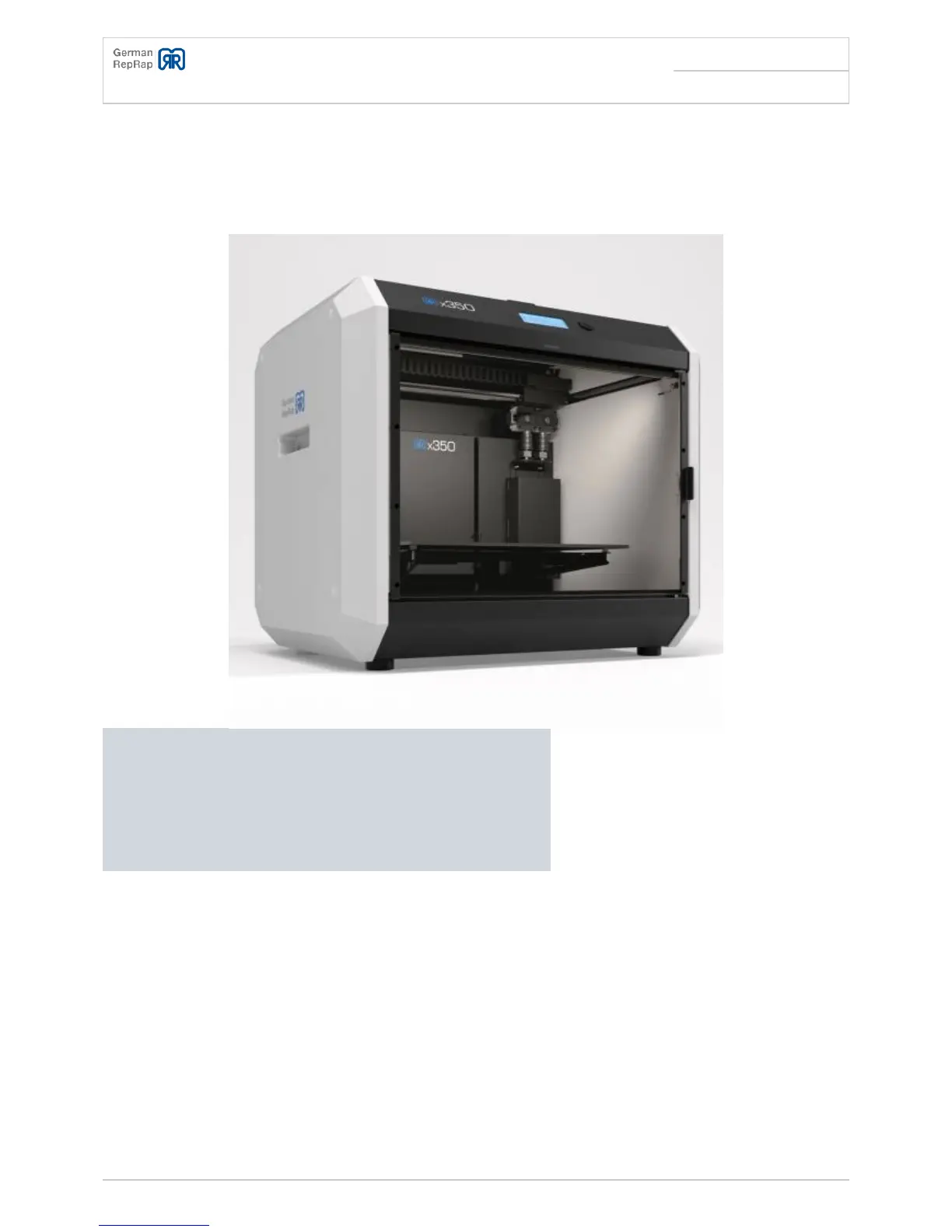
The stable construction and the high quality components make the X350 the ideal printer for
industrial applications. The X350 is a reliable workhorse, regardless of whether you print for one hour
or for several hours.
The landscape format printing bed allows for a more efficient use of the printing area, as most printed
objects are not square. The integrated web interface is a highlight, as it enables printing through the
wireless network or the LAN, and control through a browser interface. The X350 will print stand-alone,
or integrated into the wireless network or the LAN while being controlled through a browser interface.
The X350 will print stand-alone, or integrated into the wireless network or the LAN while being
controlled through a browser interface.
The German RepRap X350 3D printer is ready to use in just a few minutes, thanks to the user-friendly



 To Next Page