13
Ref
Component Description
CAUTION: This device is not hot-swappable. Do not
remove it without turning off the system first.
NOTE: A locking screw for the SSD module is provided
in the shipping carton. You can further secure the
SSD module by using this screw as a precaution
against accidental detaching of the module. (See
“Replacing the SSD” in Chapter 4 to know where to
tighten the screw.)
Second
battery pack
(optional)
Provides additional battery power to your computer.
The battery pack installed in this compartment is
regarded as “Battery 2” by the computer.
Docking
connector
Connects to the office or vehicle dock (purchased
separately).
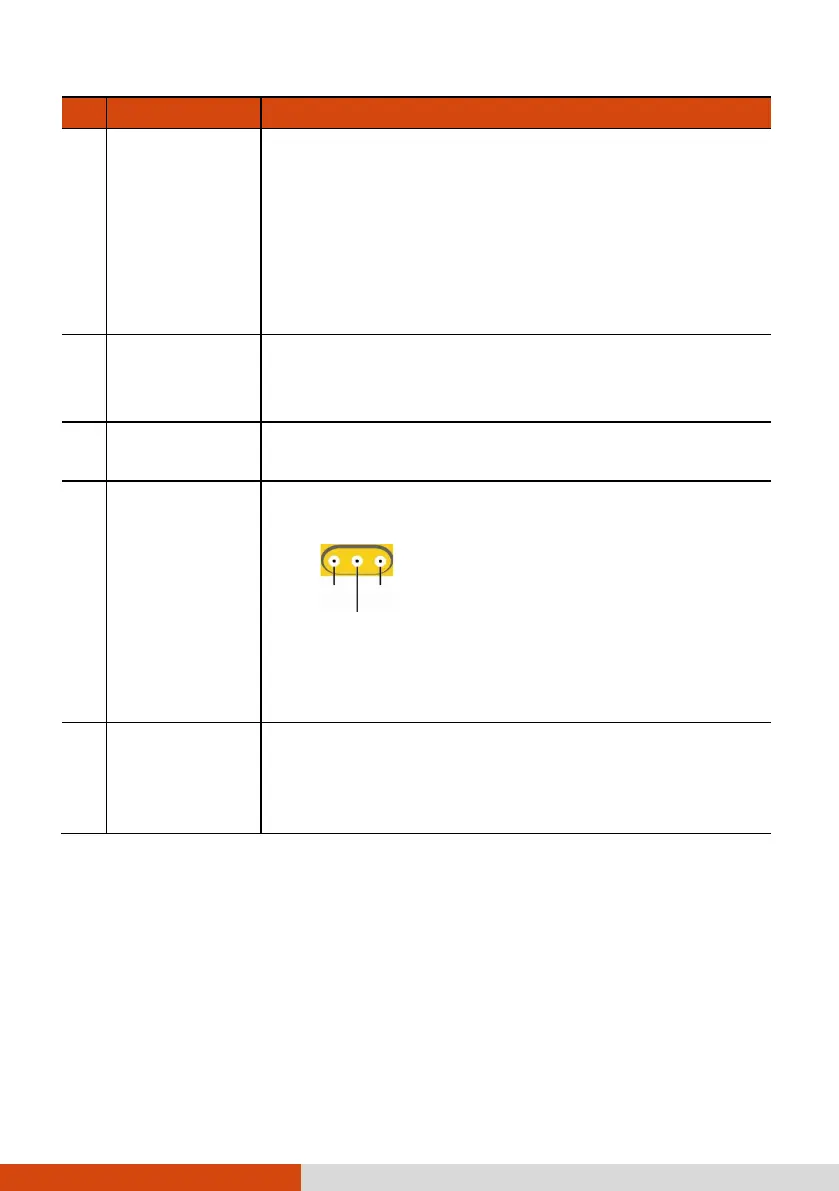
Antenna pass-
through
(optional)
Connects to the docking station for using external
WWAN/WLAN/GPS antenna.
NOTE: The “WLAN” function can be changed to the
“WWAN Aux” function. Use G-Manager to change
the function if needed.
Battery pack
Supplies power to your computer when external
power is not connected.
The battery pack installed in this compartment is
regarded as “Battery 1” by the computer.



 To Next Page