33
Using the Contactless Smart Card
Reader (Optional)
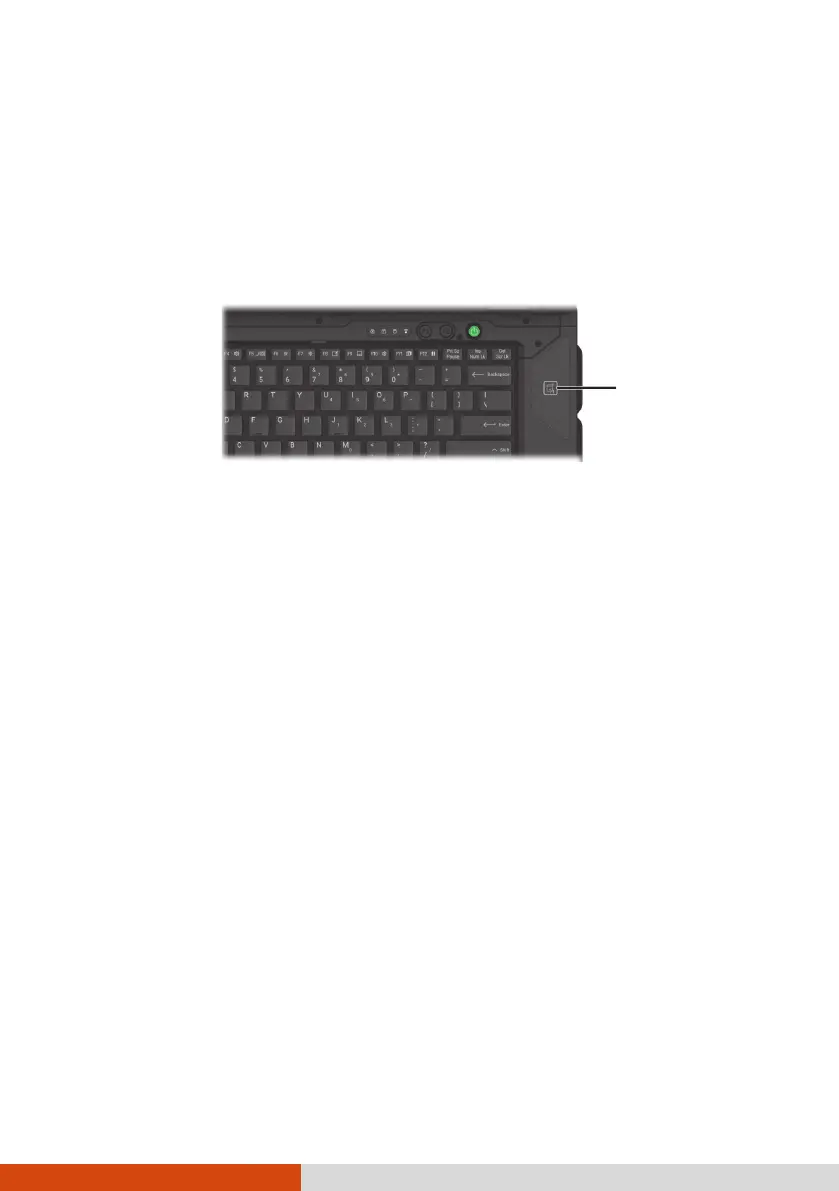
Select models have a contactless smart card reader module. The reader can
read data from HF (High Frequency) RFID (Radio Frequency Identification)
tags.
This module is enabled by default. To enable or disable the module, run the
BIOS Setup program and select Advanced Device Configuration RFID
Card Reader. (See Chapter 5 for information on BIOS Setup.)
For optimal results when reading an RFID tag, have the tag face the antenna
in the same orientation as indicated by the icon on the exterior of the
computer.
NOTE:
When not using an RFID card, do not leave it within or near the antenna
area.
For enhanced applications and customization of the module, contact your
authorized Getac dealer.



 To Next Page