18
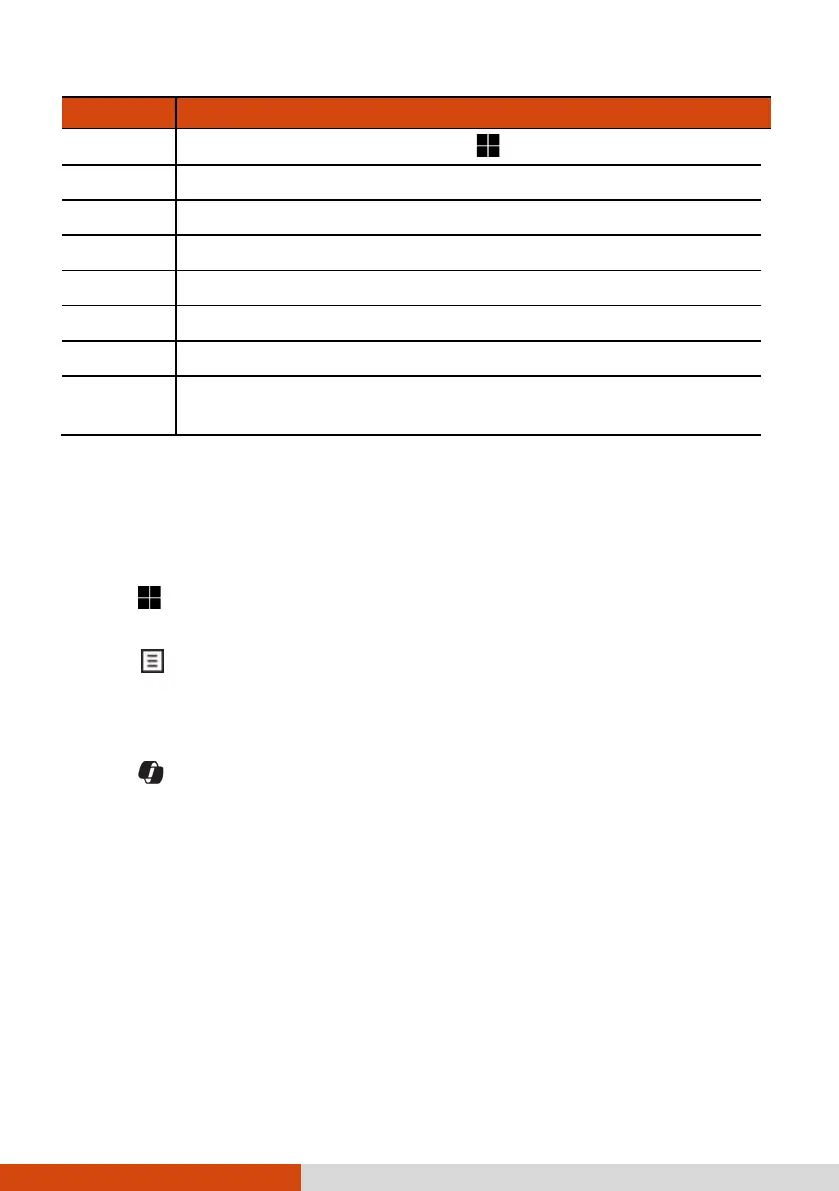
Key Description
The hot keys are equivalent to
Windows logo key + P.
Fn + F6 Decreases the LCD brightness.
Fn + F7 Increases the LCD brightness.
Fn + F8 Switches the touchscreen function off or on.*
Fn + F9 Switches the touchpad function off or on.
Fn + F10 Switches the system sound output off (mute) or on.
Fn + F11 Switches the display backlight off or on.
Fn + F12
Serves as the sleep button that you can define with
Windows’ Power Options.
TABLE NOTE: * means “select models only.”
Windows Keys
The keyboard has three keys that perform Windows-specific functions.
The Windows Logo key opens the Start menu and performs
software-specific functions when used in combination with other keys.
The
Application key usually has the same effect as a right mouse
click. (On your keyboard, this function shares the same key with another
function. To use this function, you have to first press and hold the Fn
key and then press the key.)
The Copilot key invokes Copilot in Windows, which provides
centralized AI assistance to you. It requires Microsoft account to log in.
When Copilot for Windows is not available or enabled on the computer,
pressing the Copilot key will launch Windows Search.
NOTE: If Copilot has not been included as a default tool in your Windows 11
version yet, you can enable Copilot by updating your Windows to the latest
version. Go to Settings Windows Update to perform the update.



 To Next Page