51
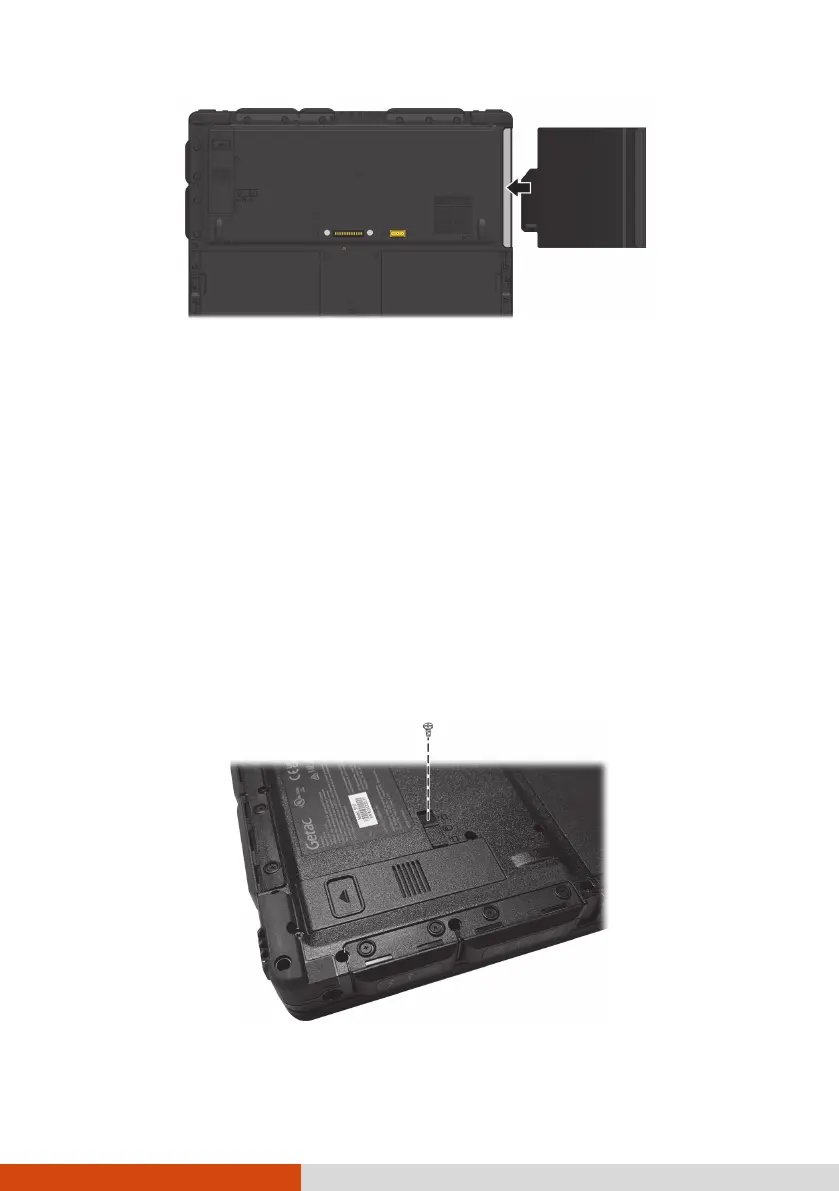
NOTE: The component shown above is an example. The look of the
component varies according to the one you have purchased.
6. Tighten the screw back into place.
Replacing the SSD Module
1. Turn off the computer and disconnect the AC adapter.
2. Carefully place the computer upside down.
3. Remove the screw (if existing) from the SSD module.
NOTE: It is not mandatory to use the screw. You can choose to use it or not.
The computer is shipped to you with the screw hole covered by a mylar film.
Remove the film if you want to use the screw.



 To Next Page