61
G-Manager
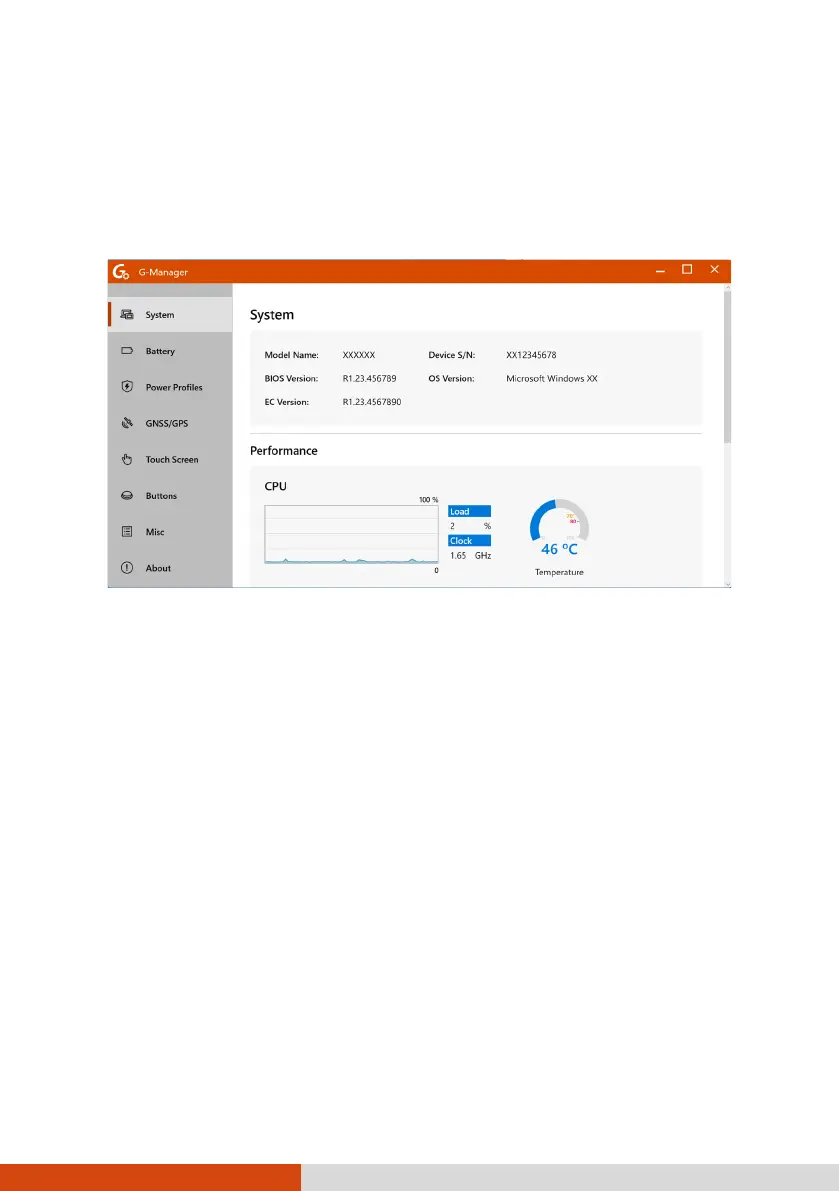
G-Manager allows you to view, manage, and configure several system
functions and feature. At the left side of the G-Manager screen are the
menu items. Select an item to open its menu.
For detailed information, see the program’s online help. Select About
Help.
NOTE: Not all items are supported by all models. Depending on your model,
the actual items and information appearing on the screen can differ from
those shown in this manual.



 To Next Page