47
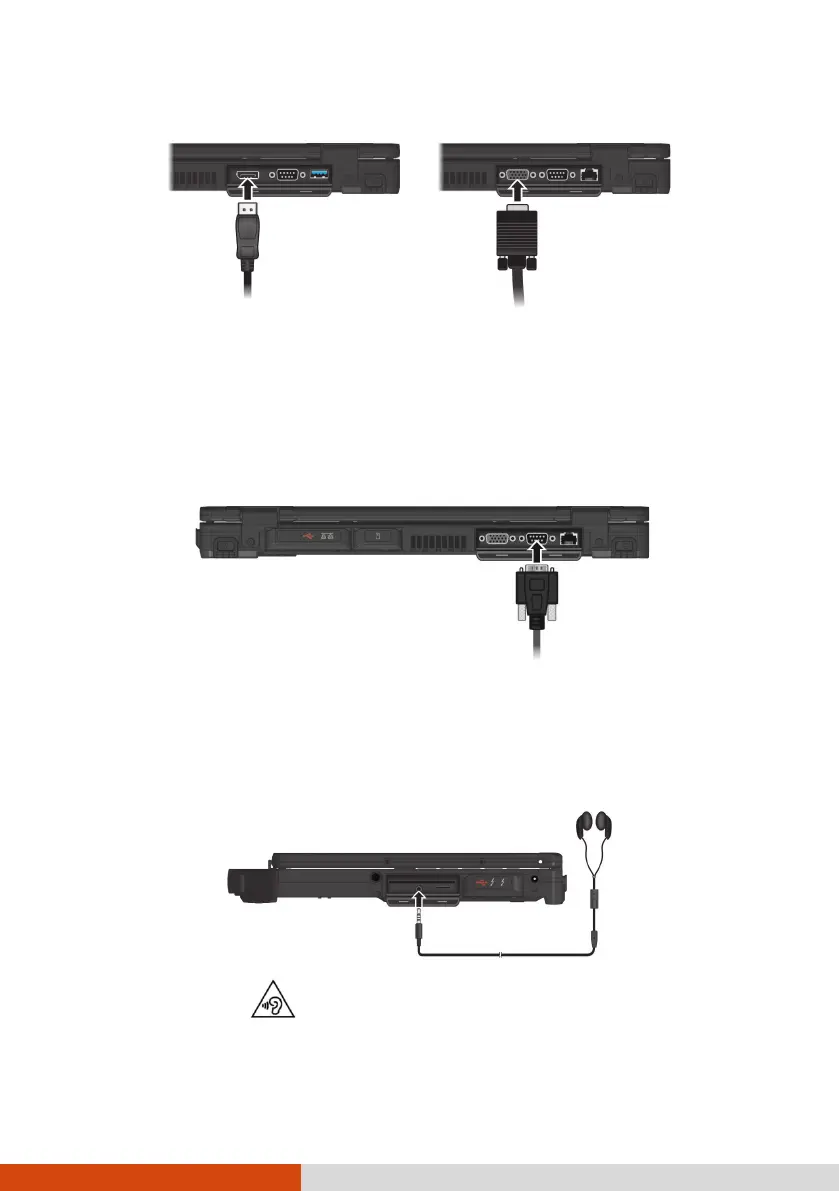
Select models have one more interface (DisplayPort or VGA).
The connected device should respond by default. If not, you can switch the
display output by pressing the Fn+F5 hot keys. (You can also change the
display through Windows Control Panel.)
Connecting a Serial Device (Optional)
Select models have one RS-232 serial port for connecting a serial device.
Connecting an Audio Device
The audio combo connector is the “4-pole TRRS 3.5mm” type so you can
connect a compatible headset microphone.
SAFETY WARNING:
To prevent possible hearing damage, do not listen at high volume levels for
long periods.



 To Next Page