12
Ref
Component Description
Can be changed to a different function using
G-Manager.
P2 button Toggles the sunlight-readable mode on or off.
In sunlight-readable mode, the LCD brightness is
increased to the highest level.
Can be changed to a different function using
G-Manager.
Power button
Turns the power on or off. (The default “off” state
is “Sleep mode.”)
Contactless
smart card
reader (optional)
Serves as an RFID reader/writer.
Keyboard Serves as the data input device of the computer.
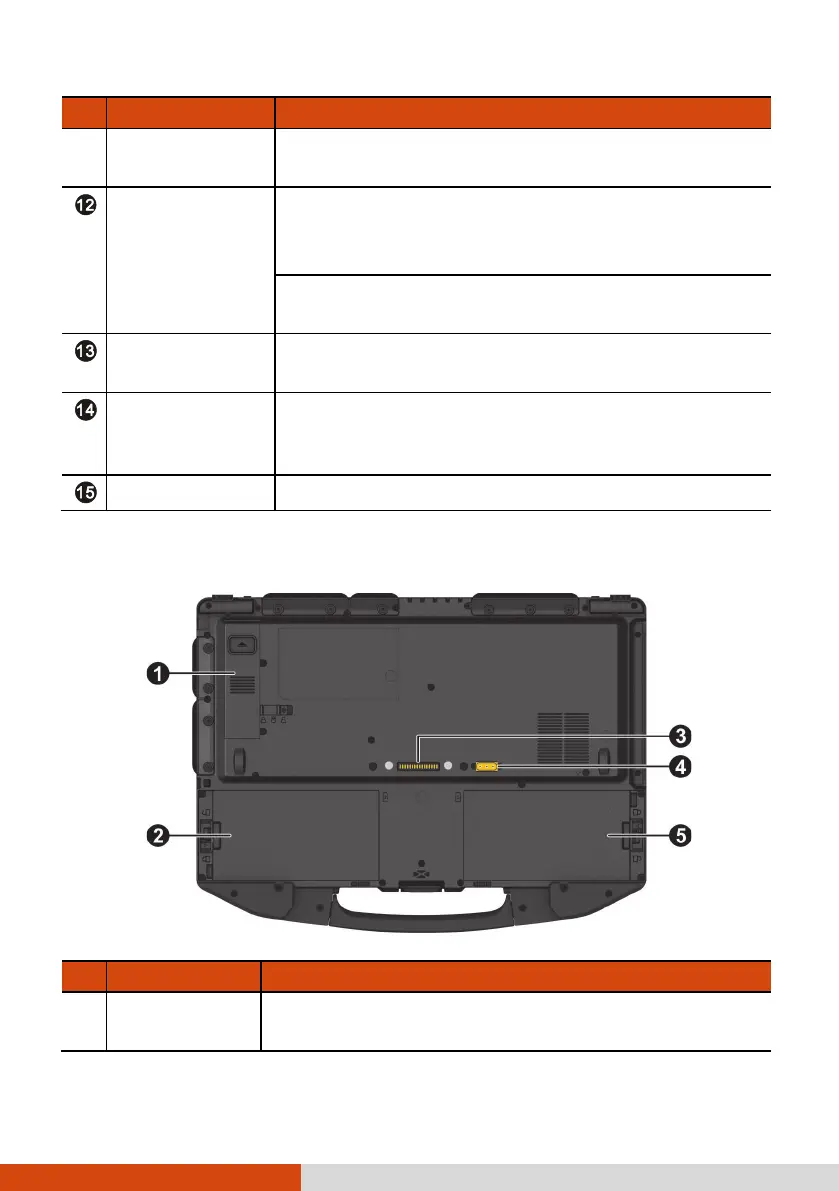
Bottom Components
Ref
Component Description
SSD module
Contains the solid-state drive, which is the mass
storage device of your computer.



 To Next Page