EasyManua.ls Logo

Getac V100 - Page 112

Getac V100
187 pages
Print Icon
To Next Page IconTo Next Page
To Previous Page IconTo Previous Page
Loading...
Item
Description
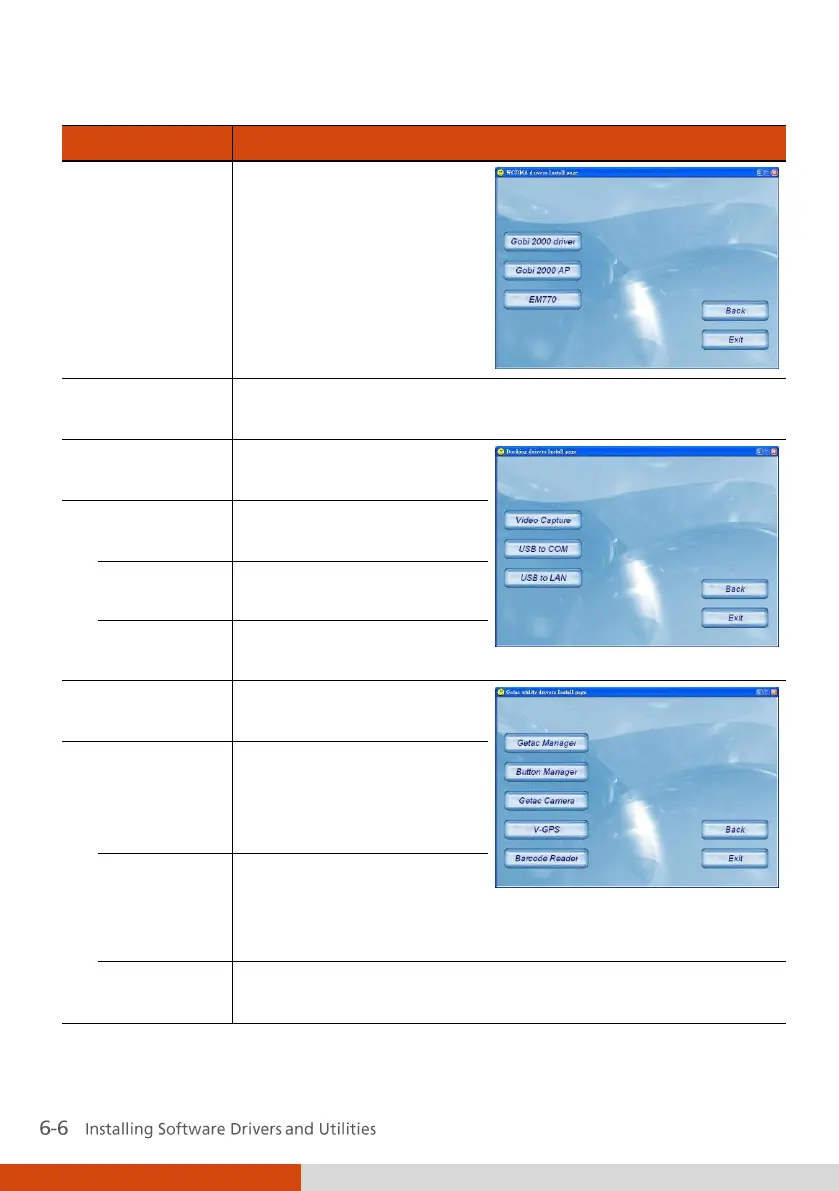
WCDMA
Brings up a submenu as
shown on the right.
Install the three items for
using the 3G feature
(select models only).
Finger print
Installs the driver/utility for using the finger print feature
(select models only).
Docking
Brings up a submenu as
shown on the right.
Video
Capture
Installs the video capture
driver.
USB to COM
Installs the USB-to-COM
driver.
USB to LAN
Installs the USB-to-LAN
driver.
Getac Utility
Brings up a submenu as
shown on the right.
Getac
Manager
Installs the G-Manager
utility that manages and
configures various system
resources.
Button
Manager
Installs the Button
Manager utility that can
customize your
computer’s quick buttons.
Getac
Camera
Installs the G-Camera Lite utility that you can use to take
pictures using your computer (select models only).

Table of Contents

Other manuals for Getac V100

Related product manuals