Selecting an Image to View
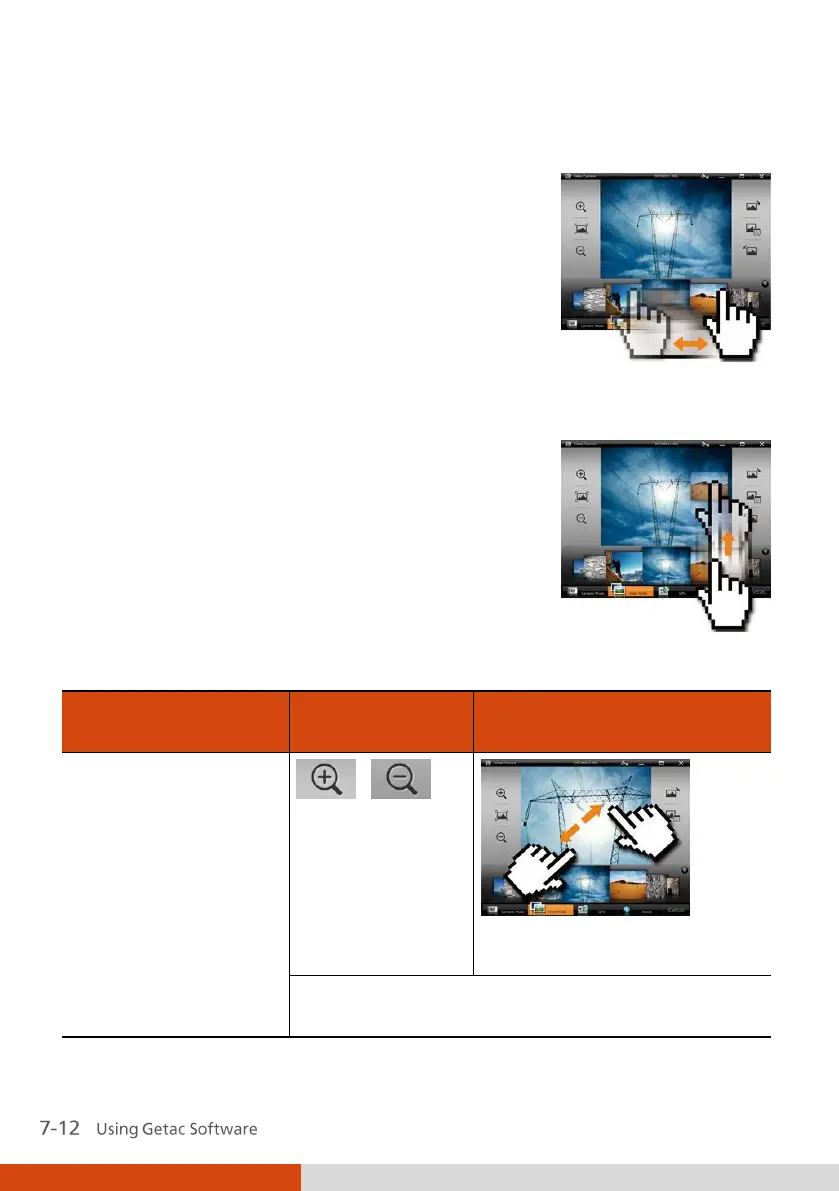
To scroll through the Thumbnail Tray, drag the tray
toward the left or right.
To select an image to view, use either of the two methods:
Method 1: Double tap the thumbnail in the Thumbnail Tray.
Method 2: Drag the thumbnail and drop into
the display window.
Viewing Controls
Via Multi-touch Operations
(Select Models Only*)
Zoom in/out
(up to four scales)
Drag two fingers apart/
towards to zoom in/out.
When zoomed in, you can drag to view another
portion of the image.



 To Next Page