6
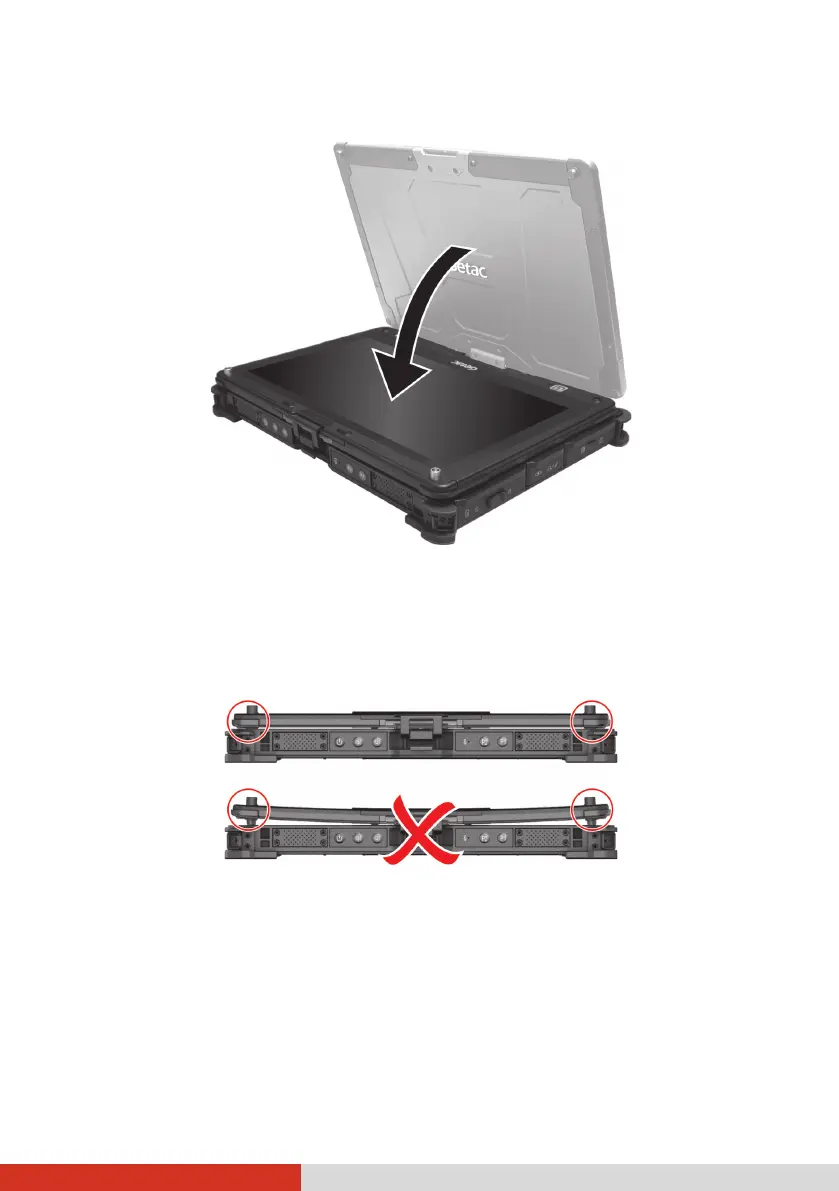
3. Close the computer with the display facing up.
4. Lift the cover latch and engage the clamp on the display. Then, push in
the cover latch to click it into place.
CAUTION: Before engaging the clamp, make sure the two guide pins are
correctly seated in place.
Correct: guide pin
correctly seated
Wrong: guide
pin not seated
Correct: guide pin
correctly seated
Wrong: guide
pin not seated


 To Next Page
 Loading...











