Repair and adjustment
3
Service instructions
5015108-00Edition 0403
V1561
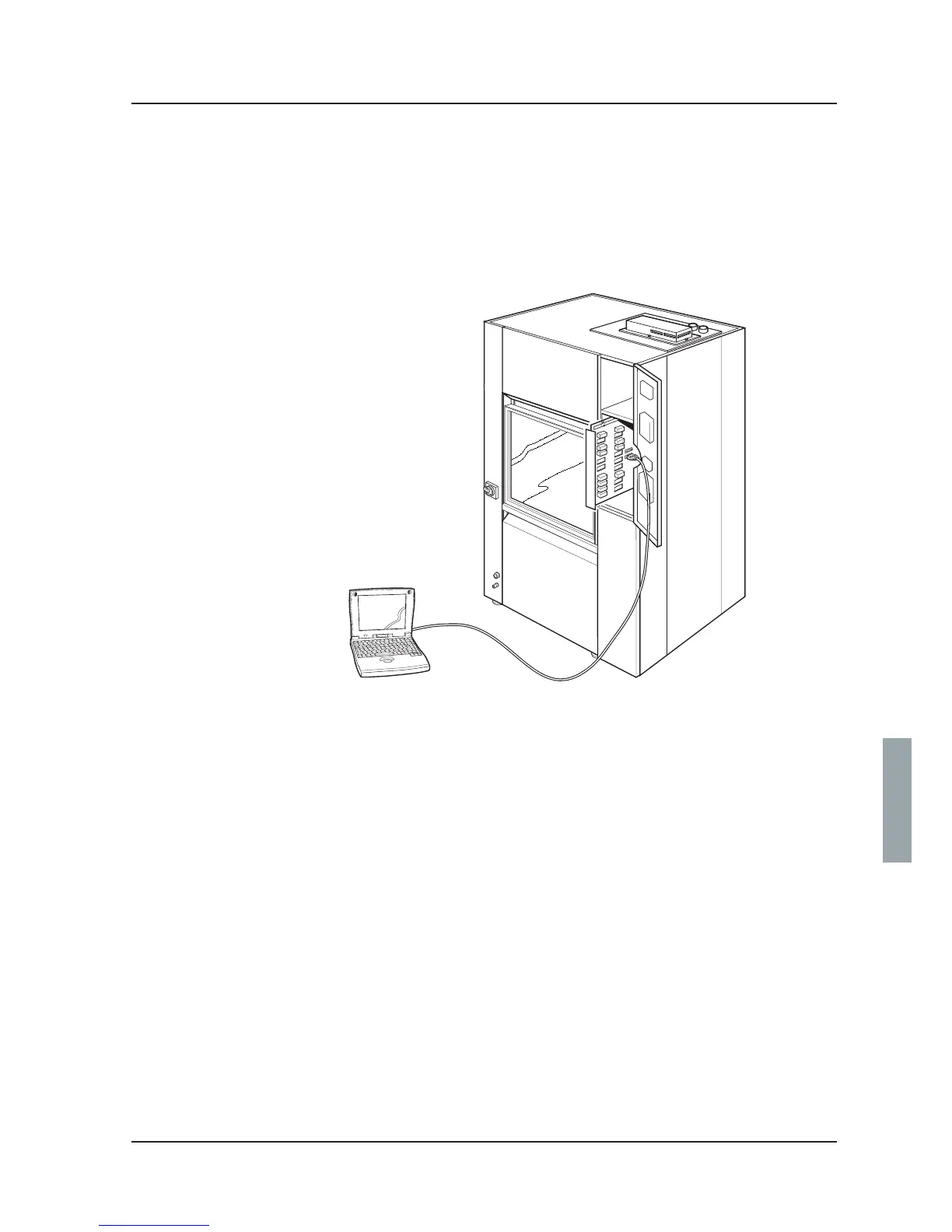
Connecting a PC
An RS-232 cable is needed to connect a PC to the washer-disinfector.
Proceed as follows:
1. Connect a cable between the PC and port X24 or X25 as shown below.
- X24 is mainly used for a PC and (for example) a scanner.
- X25 is used mainly for T-doc (RS485) and printer (RS232 or RS485).
2. Set type of communication. The communication settings are done in the service program; see
under tab 5 Software description and settings. Proceed as follows if the PC is:
connected to port X24
- Go into Communication setup COM 0 (1.4.2.3.5.1); see tab 5 Software description and settings.
- Choose COMLI PROTOCOL and press S. Exit the service program.
connected to port X25
- Go into Communication setup COM 1 (1.4.2.3.5.2); see tab 5 Software description and settings.
- Choose COMLI PROTOCOL and press S.
- Go into Communication setup COM 1 (1.4.2.3.5.3); see tab 5 Software description and settings.
- Depending on the distance between the computer and the washer-disinfector, choose
communication speed RS232 (<5 m) or RS485 (>5 m) and press S. Exit the service program.



 To Next Page