Repair and adjustment
4
Service instructions
5015108-00 Edition 0403
reset factory defaults
configuration enable (*)
predefined terminal selections - RS-232 - special RS-232 configurations - slave mode (9600, 7, E, 2)
Code 128 / EAN 128 - active
\46\42\46\50\41\4A\01\29\41\5A\60
Code 128 / EAN 128 - EAN 128 identifier - remove ]C1 identifier
Code 93 - active
Code 39 - active (*)
\47\5A\00\41\5E\41\4C\60
RS-232 - preamble / postamble - STX / ETX
RS-232 - hardware/software protocols timeout - compose (ms): 2500
\45\53\3E\02\45\54\3E\03\51\27\04\60
RS-232 - ENQ - not used (*)
temporary configuration mode - update current configuration
\47\3E\00\46\41\02\60
Connecting a barcode scanner
Handscanner
To connect a barcode scanner, proceed as follows.
1. Connect power to the scanner.
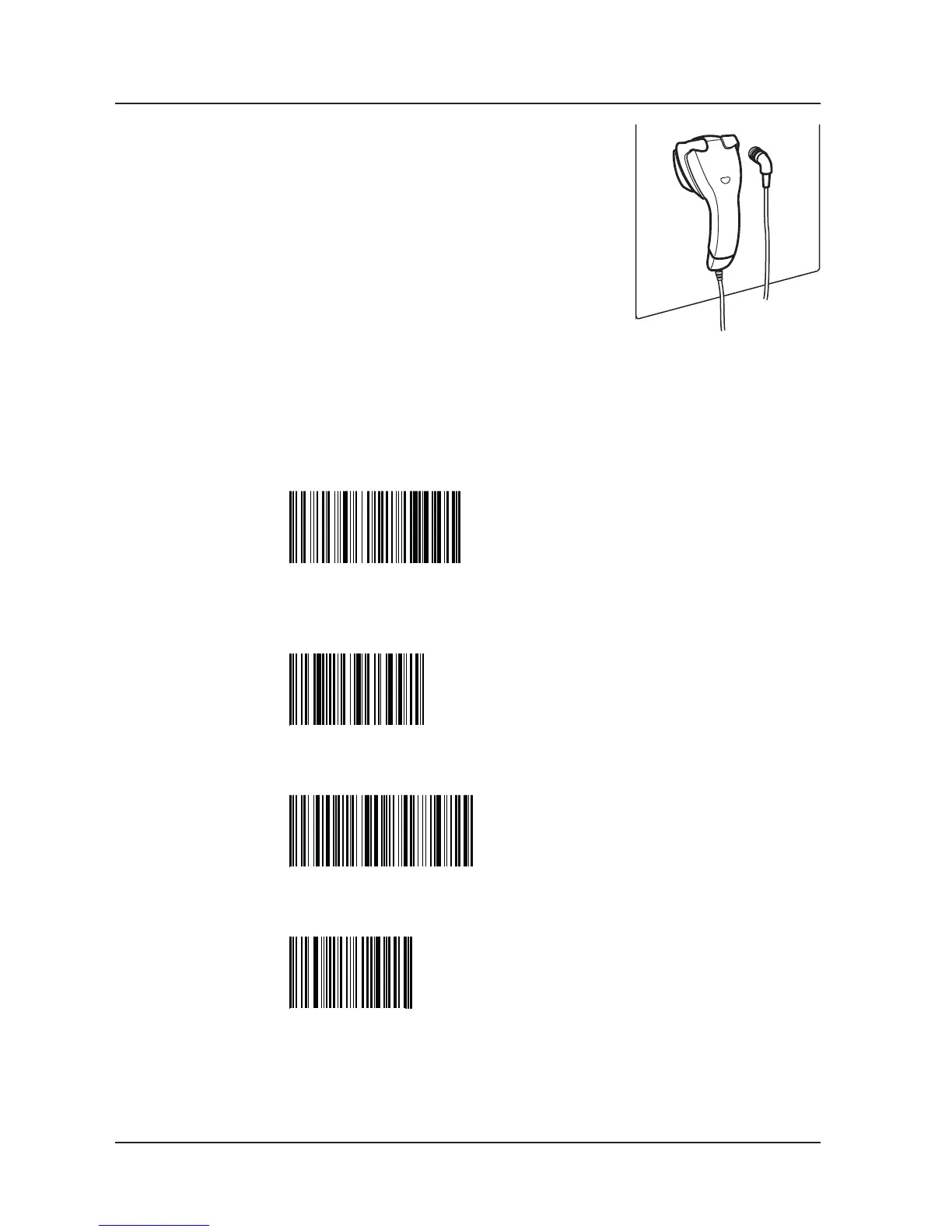
2. Calibrate the scanner by scanning in the barcodes below.
Scan in the top barcode. Wait for a beep, then scan in the
next code. Continue until all codes have been scanned in.
3. Connect a communication cable between the scanner and
port X24.
4. Set type of communication. The communication settings are done in the service program; see
under tab 5 Software description and settings.
- Go into Communication setup COM 0 (1.4.2.3.5.1); see tab 5 Software description and settings.
- Choose Scanner and press S. Exit the service program.



 To Next Page