Repair and adjustment
40
Service instructions
5015108-00 Edition 0403
V335
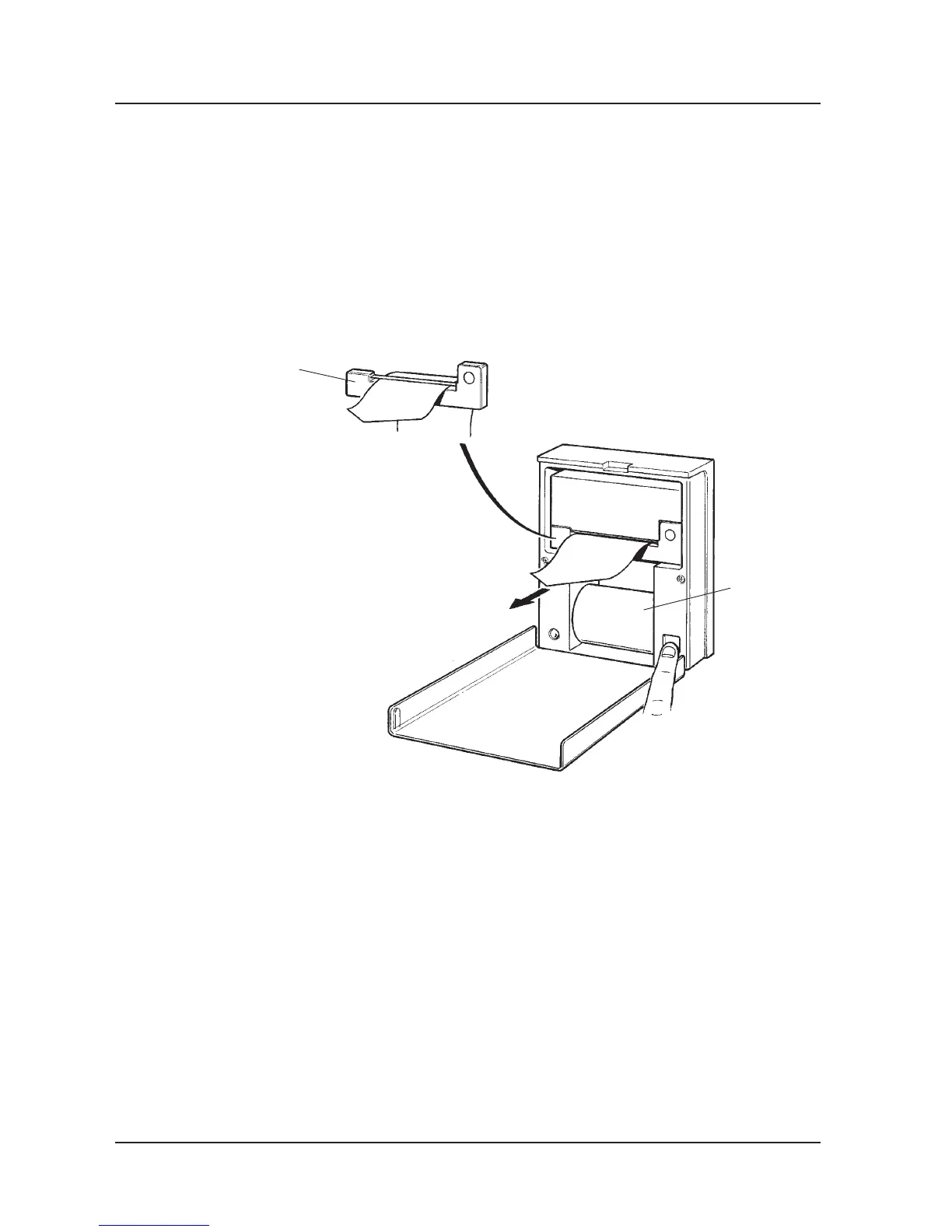
Ink ribbon cassette
Paper roll
Ribbon cartridge replacement
• Open the front.
• Remove the ink ribbon by pressing gently on the left-hand side of the ribbon cassette.
• Replace the ribbon cassette. The printer is now ready to use again.
Jumpering an expansion card
The reason for jumpering expansion cards is to enable the processor to identify which card is
which. Jumpering may be necessary when changing a card or when installing additional
equipment. Jumpering is done as shown in the illustration.



 To Next Page