Repair and adjustment
13
Service instructions
5015108-00Edition 0403
Calibration
To calibrate the conductivity meter, proceed as follows.
1. Connect a PC with the CS 1000 program installed to the disinfector.
2. Press [ on the conductivity meter.
3. Enter code 22 with Y and Z.
4. Press [. Setup 1 appears.
5. Choose Output with Y and Z .
6. Press [. Sel. Type appears.
7. Choose SIM with Y and Z.
8. Press [.
9. Choose to 0 …22 mA with Y och Z.
10. Set 4 mA.
11. Press [.
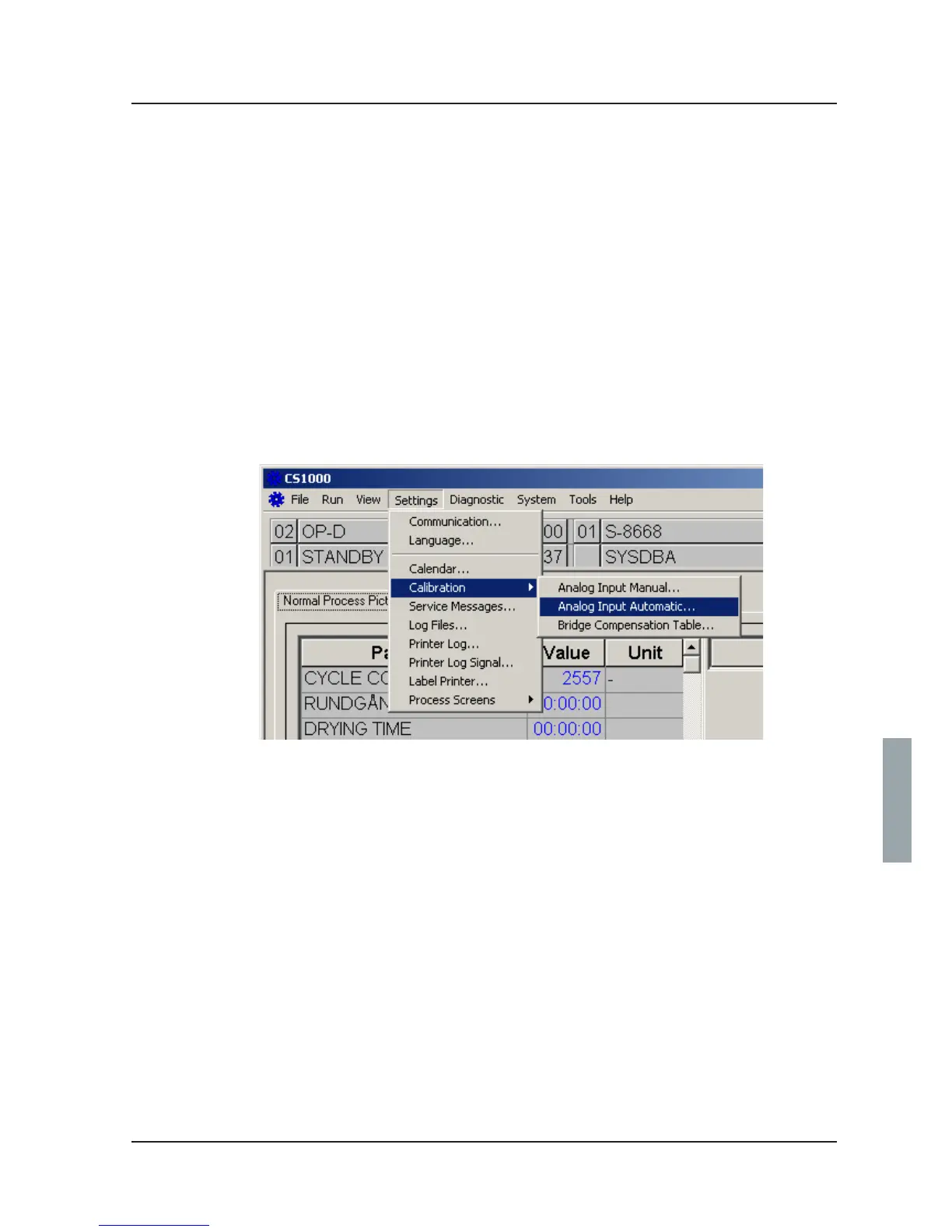
12. Start CS 1000 and choose Settings/Calibration/Analog Input Automatic...
V1563



 To Next Page