General Motors Tech2 User Guide
21
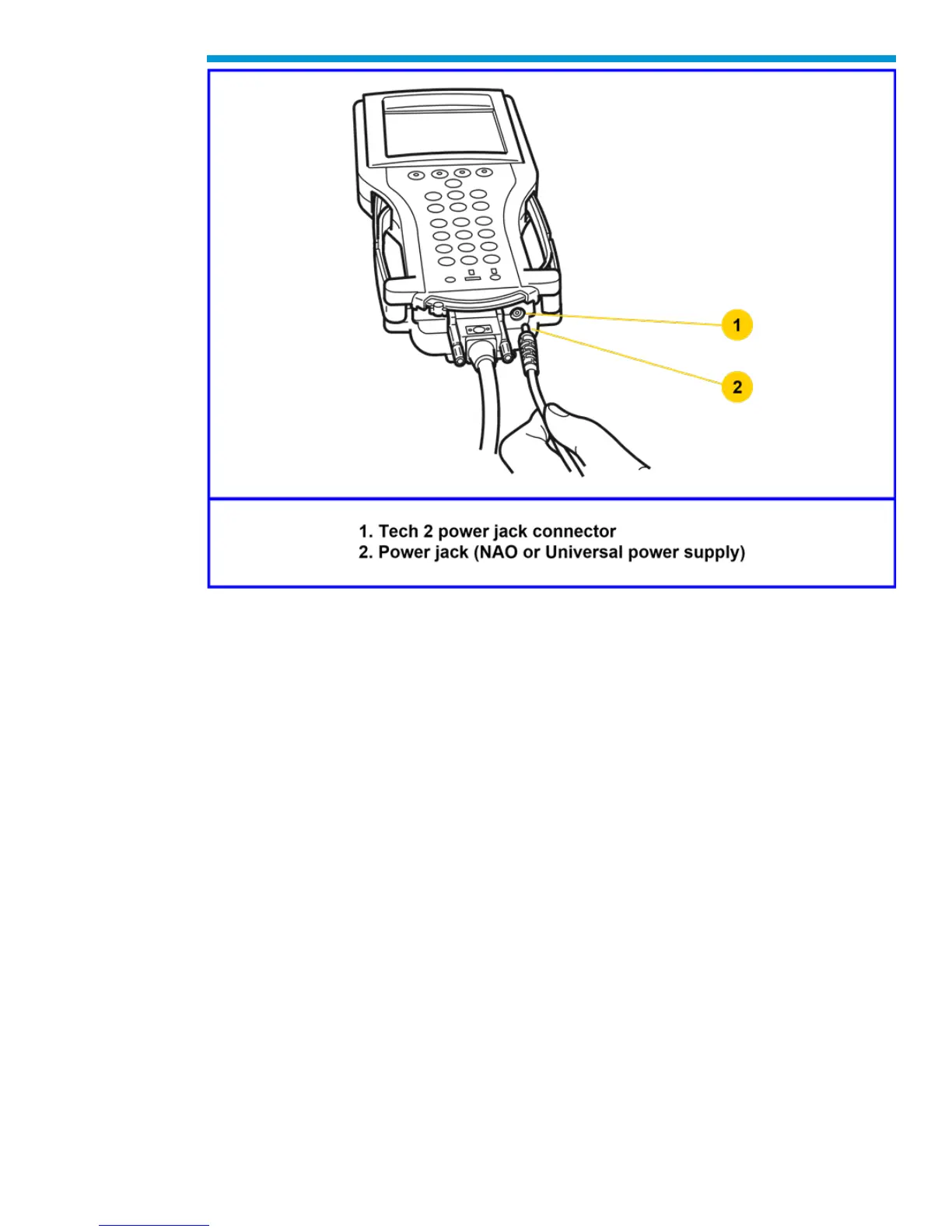
5. Turn on power by pressing the PWR button located on the Tech2 keypad.
6. Tech2 hardware will be verified automatically by the POST test. (For information on
this program, Troubleshooting.)
7. Disconnect the RS-232 loopback adapter, the power supply, and the DLC loopback
adapter and return to the Tech2 storage case.


 To Next Page