General Motors Tech2 User Guide
93
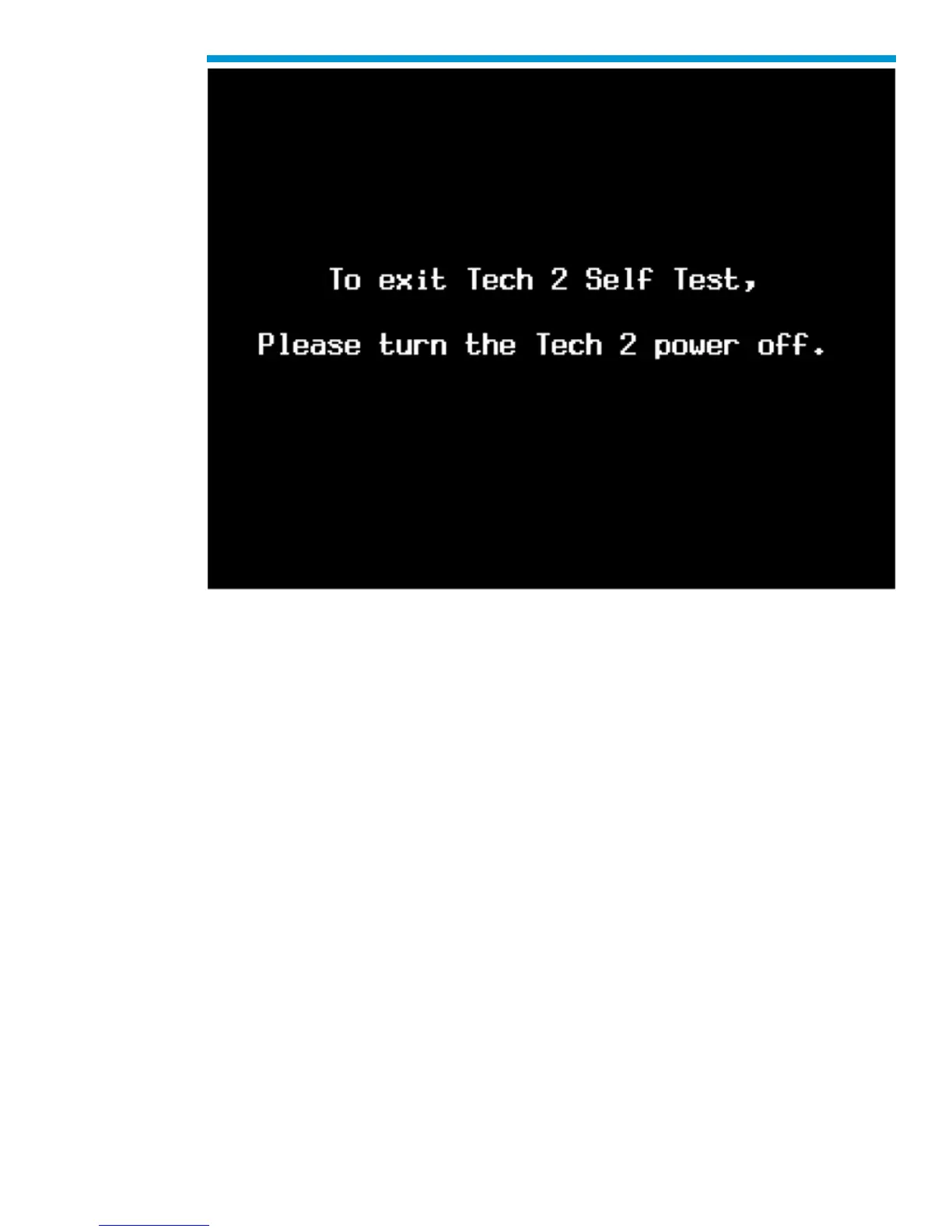
Tech2 power down screen
F4: Note: This function is for Training Centers with an instructor only.
F5: Programming Tech2
After you select F4: Programming Tech2, you can follow the on-screen instructions for
downloading from a PC to the Tech2 scan tool via the RS-232 cable. Refer also to
Software Download, Tech2 PCMCIA Card, and Tech2 Update Procedure later in this
section.


 To Next Page