General Motors Tech2 User Guide
91
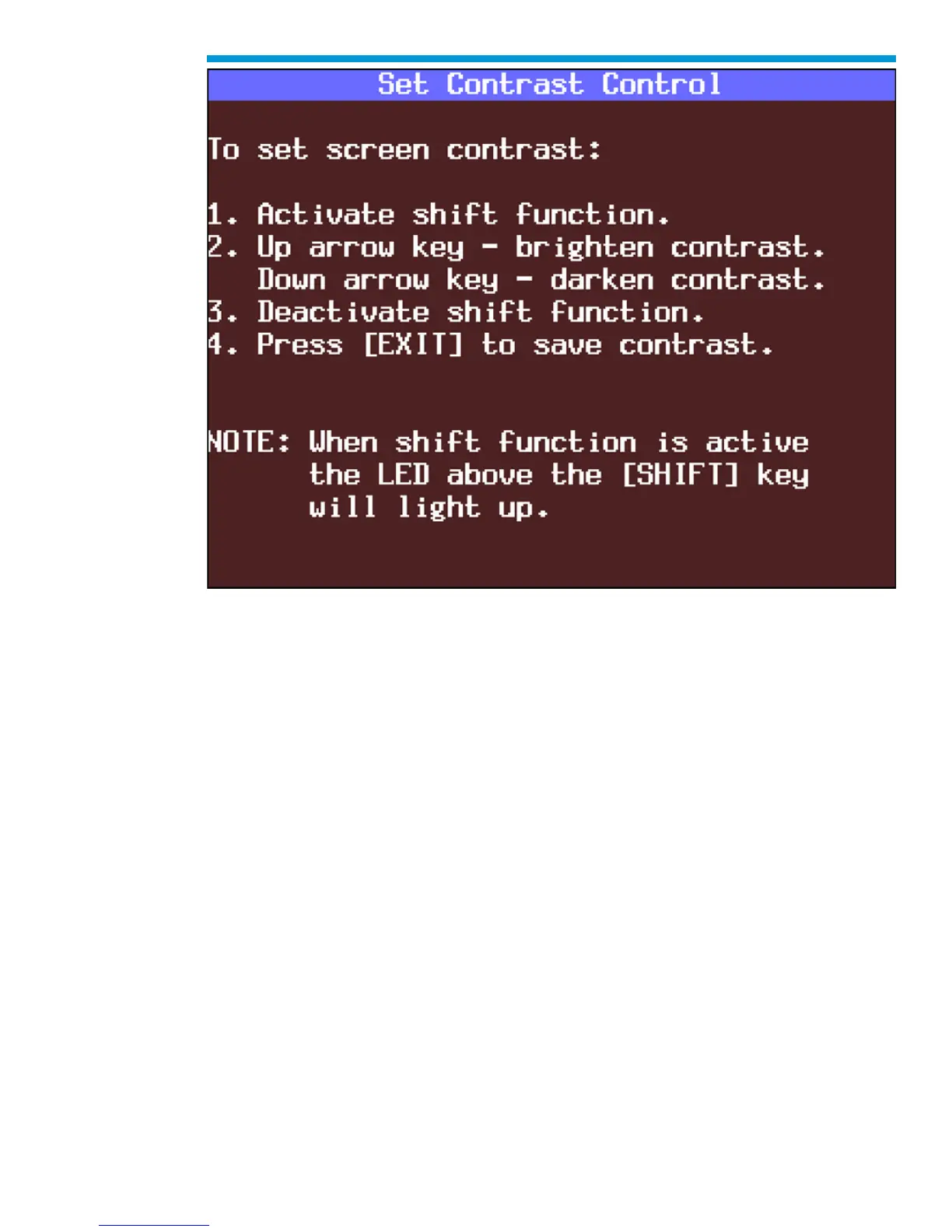
Set Contrast Control screen
F2: Set Units
When you select the F2: Set Units option, a Set Units screen will appear. Use the up and
down arrow keys to change the Current Units Setting from English to Metric or vice versa,
if desired. Press [ENTER] to save your setting as the default.


 To Next Page