General Motors Tech2 User Guide
89
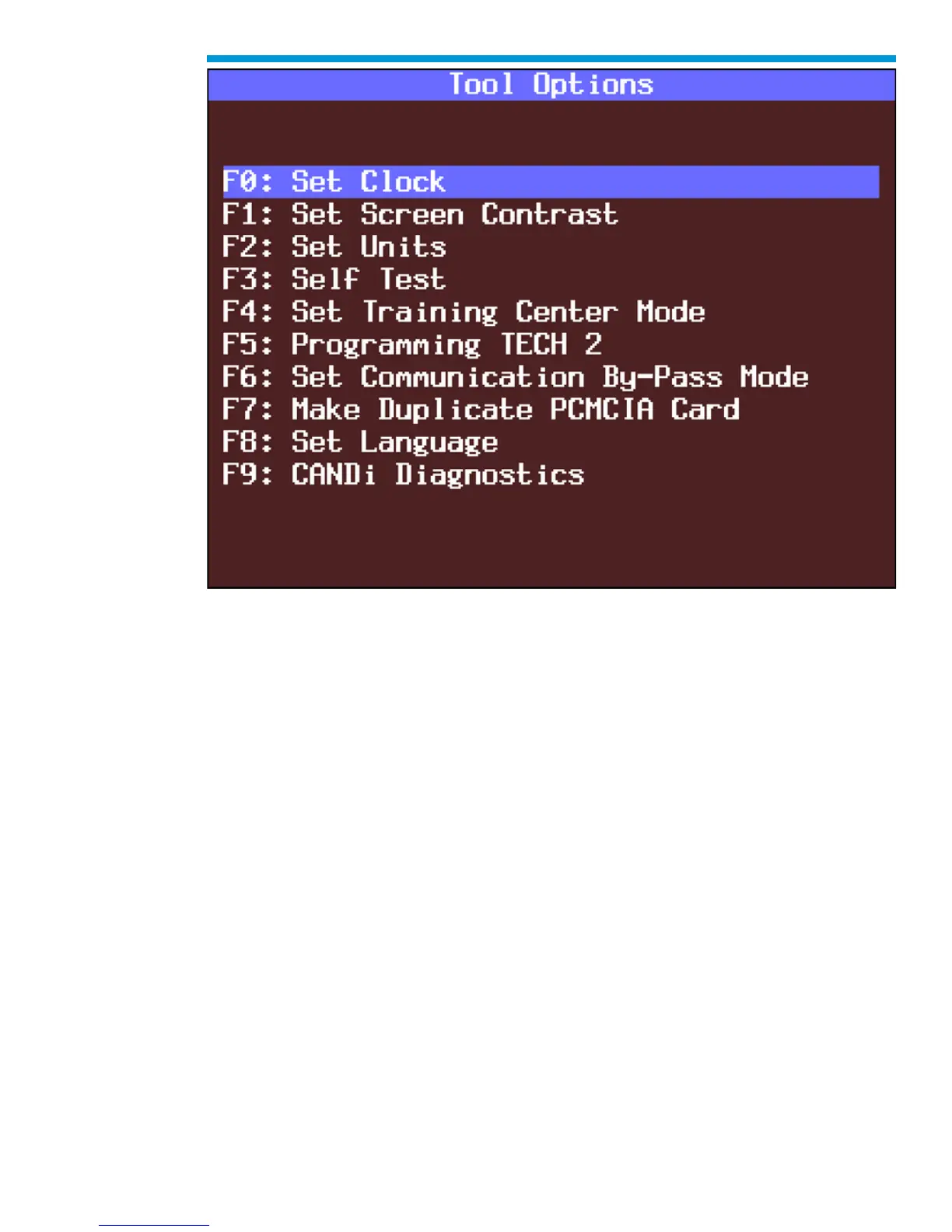
Tool Options menu
F0: Set Clock
After you select F0: Set Clock from the Tool Options menu and the Set Real-Time Clock
menu appears, you can set the internal Tech2 real-time clock in two ways:
1. Use the up and down arrow keys to move the cursor to desired selection. Press
[ENTER] to change the value. Each time [ENTER] is pressed the value will be
increased by one unit until a preset maximum unit is reached. Once all correct
values are entered, press the Set Clock soft key to save all changes.
2. Use the function key of the desired selection to change an incorrect value. Each
time the function key is pressed the value will be increased by one unit until a
preset maximum is reached. Once all correct values are entered, press the Set
Clock soft key to save all changes.



 To Next Page