General Motors Tech2 User Guide
94
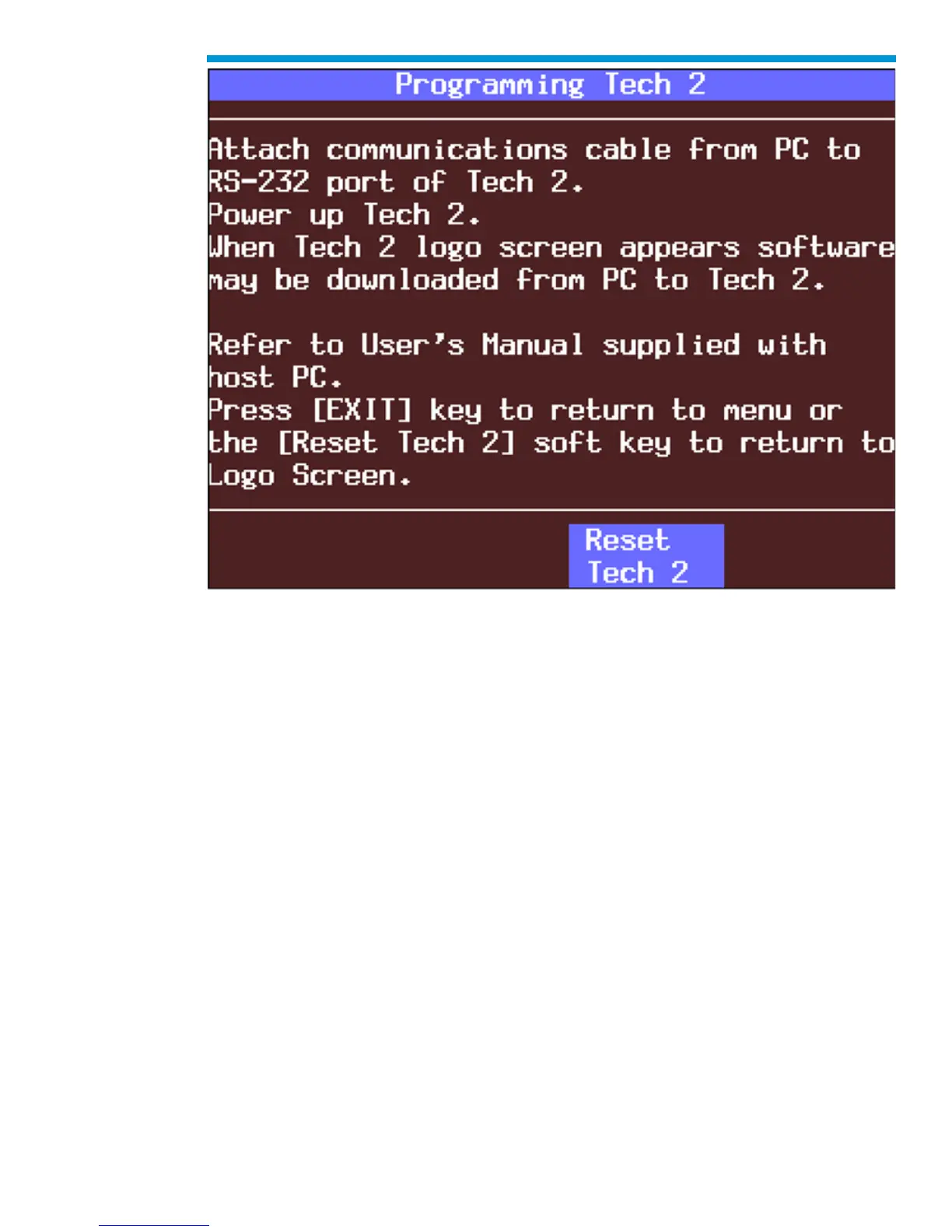
Programming Tech2 screen
F6: Set Communication By-Pass Mode
When you select F5: Set Communication By-Pass Mode, the upcoming screen offers
Disable and Enable options. By enabling the by-pass mode, the Tech2 bypasses error
handling and allows the user to view data display information without being connected to a
vehicle. Highlight the desired setting using the up or down arrow keys, then press [ENTER]
to change the current mode. The Tech2 will default to the Disable mode after it has been
powered off.


 To Next Page