General Motors Tech2 User Guide
80
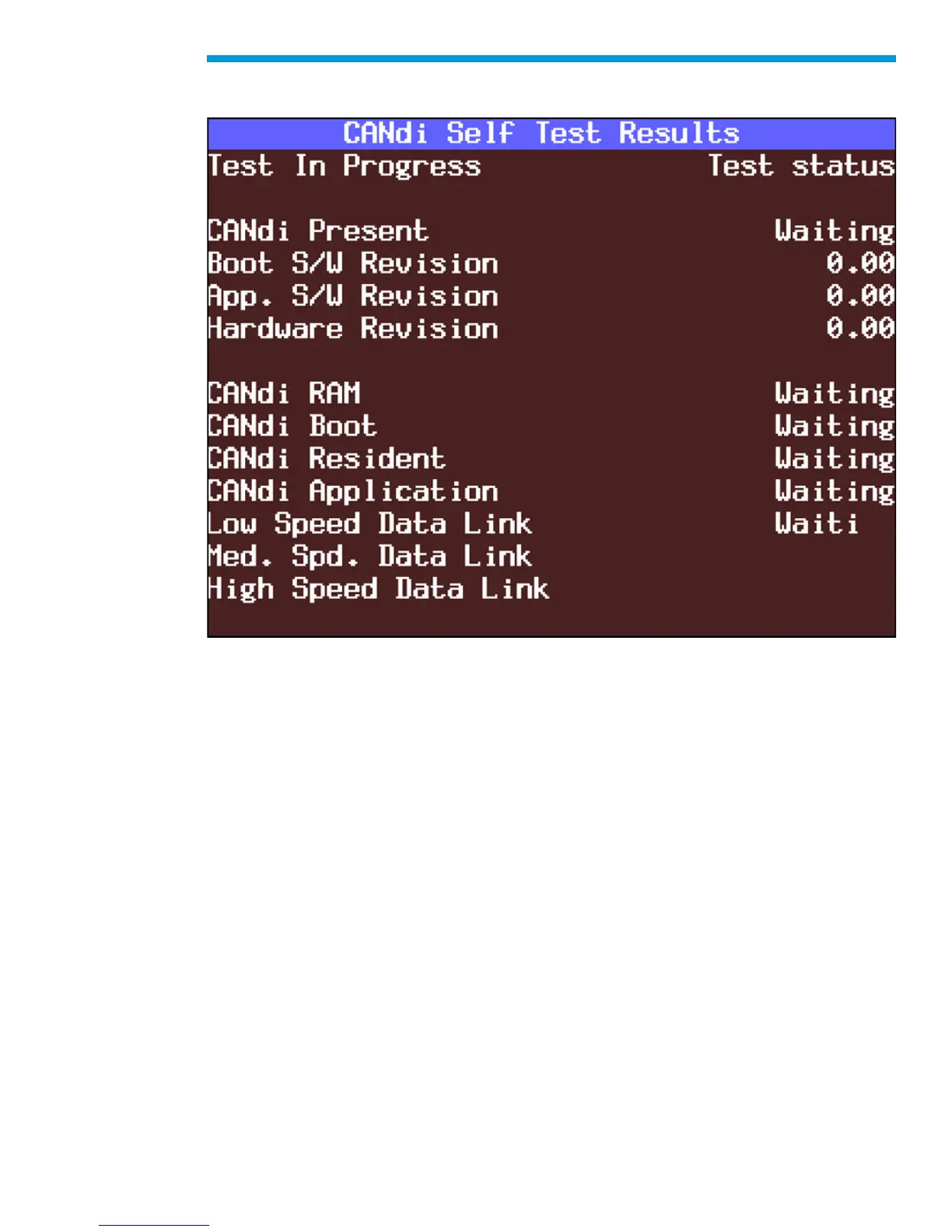
Selecting “Self Test” from the CANdi Diagnostics menu initiates a complete test of the
CANdi module. When testing is complete, all results are displayed.
CANdi Self Test Results screen
CANdi Module Troubleshooting Guide
If a CANdi module is not functioning properly, please perform the following tests:
1. Make sure the CANdi module is properly grounded by connecting to a vehicle or by
using the 12-pin ALDL connector, which has the signal and chassis ground shorted.
IMPORTANT: If not properly grounded, the CANdi module will appear to be defective
when it is not. The CANdi module will fail due to improper grounding if you use the 16-pin
DLC (J-1962) connector and power the Tech2 from an AC/DC power supply. The adapter
you use must have a GM part number. Although PVI adapters are similar to GM adapters,
they will not work with the CANdi module.
2. Verify that the Tech2 passes all stand-alone self-tests. Replace the Tech2 if it fails. If
the Tech2 passes, proceed to step three. The CANdi module must be disconnected to
run self-tests. If the CANdi module is connected, a message will appear instructing you
to disconnect the module.
3. Verify that the VCI passes self-tests. Replace the VCI if it fails. If the VCI passes,
proceed to step four. The CANdi module must be disconnected to run self-tests. If the
CANdi module is connected, a message will appear instructing you to disconnect the
module.


 To Next Page