General Motors Tech2 User Guide
55
Total Failures...........................0 - indicates that Tech2 passed test
1 - indicates a test failure
PCMCIA Cards Present...........1 or 2 indicates how many cards present in Tech2
Once tests are complete, select the soft keys Main Details or VCI Details to review the
results of the main PCB or VCI tests.
If any failures occur, select F3: Selectable Main PCB or F4: Selectable VCI from the Self
Test main menu to further isolate the failure. Report failure information to Customer
Support.
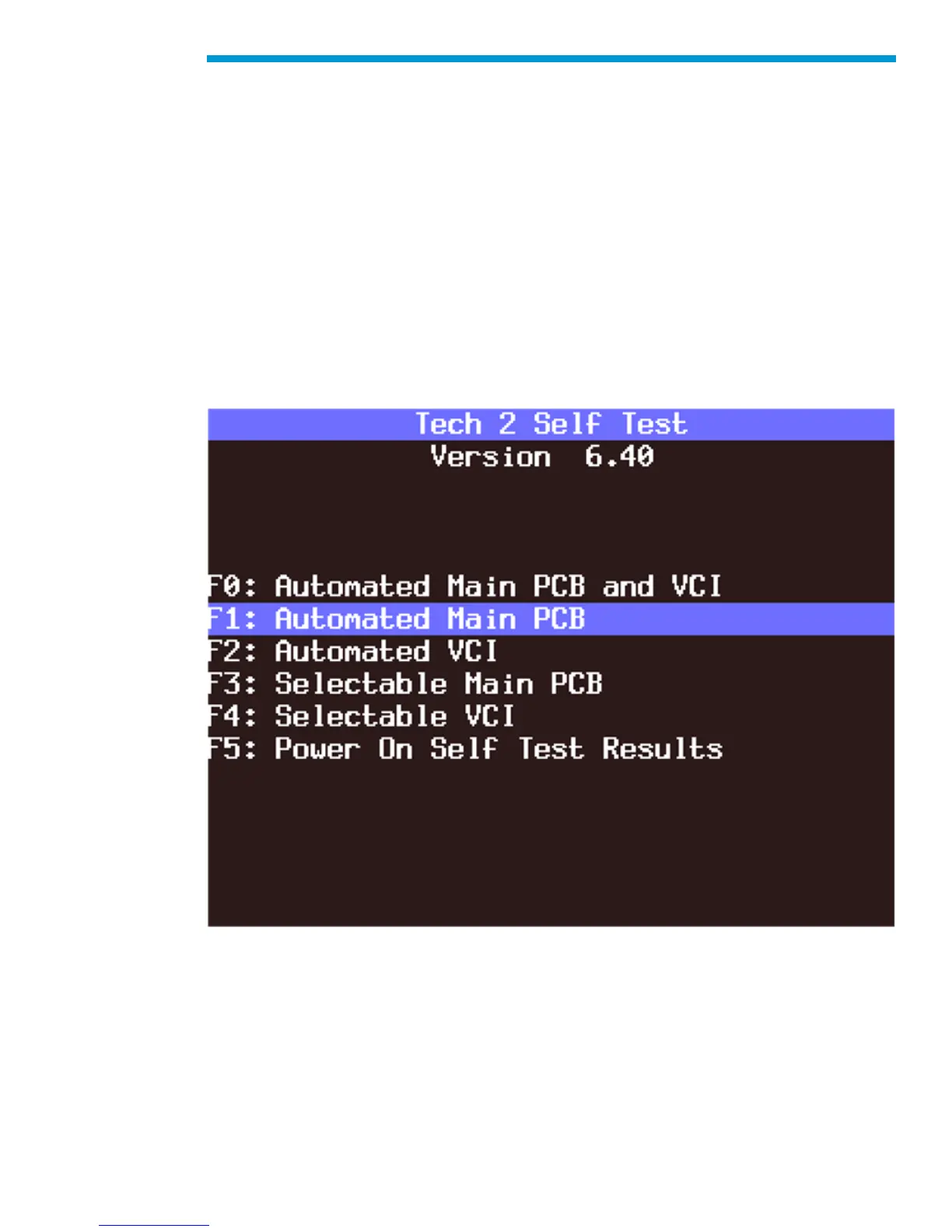
F1: Automated Main PCB Test
This test works the same as the Automated Main PCB and VCI test, except the VCI portion
of the test is not included.
F1: Automated Main PCB Test


 To Next Page