General Motors Tech2 User Guide
92
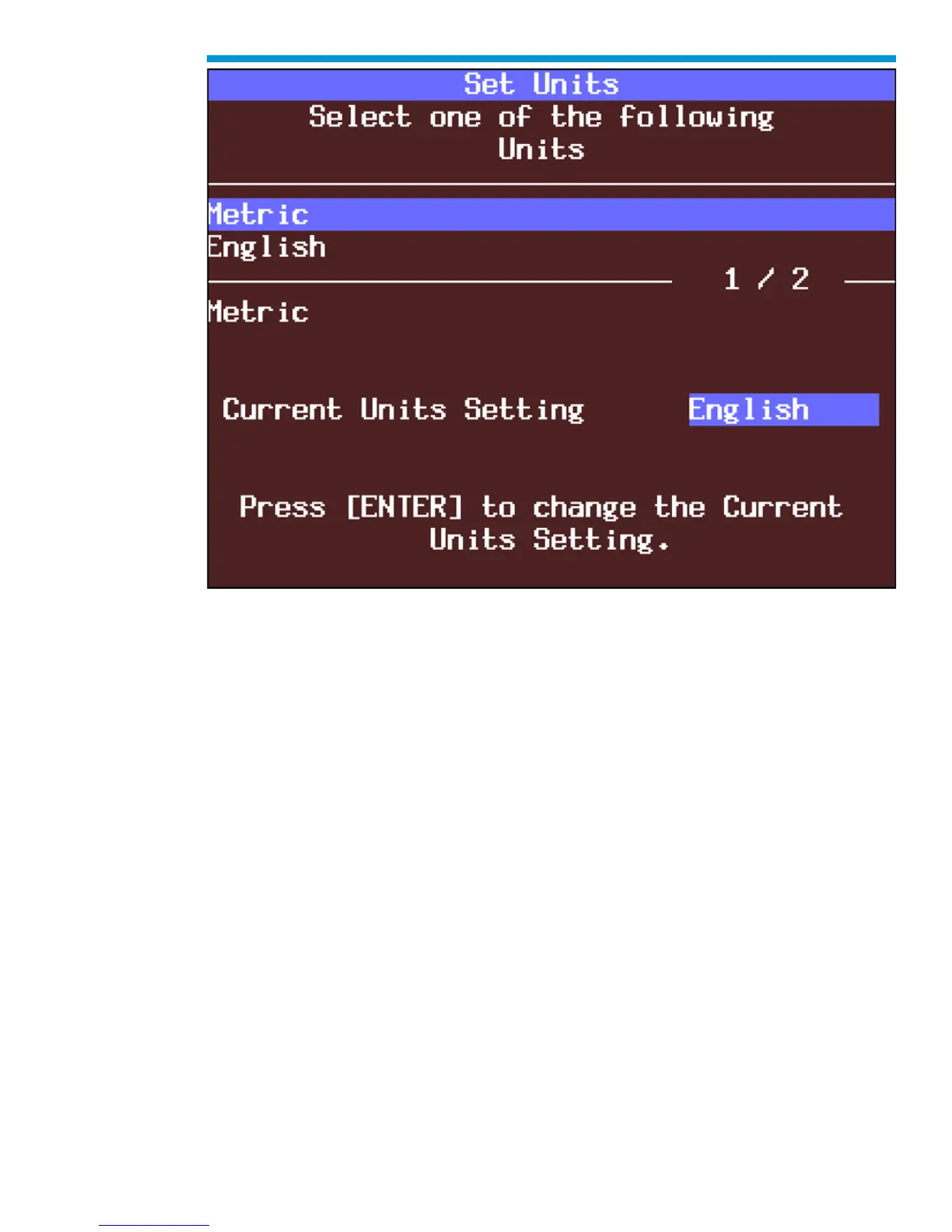
Set Units screen
F3: Self Test
Selecting F3: Self Test gives you access to the Tech2 Self Test menu screen, which will
help you to verify that the Tech2 is functioning normally. Refer to Section VI -
Troubleshooting for more information on this area.
Power Down Screen. After completion of any Self Test, return to the Tech2 Self Test menu
screen. After pressing [EXIT], a screen will appear instructing you to turn the Tech2 power
off. Turn off the Tech2 and turn back on to continue.



 To Next Page