Set Up Sensor with ATOS V7 Software
Sensor Setup
Page 24 (40)
atos_cs_rev01_en_rev-c 2012-09-03
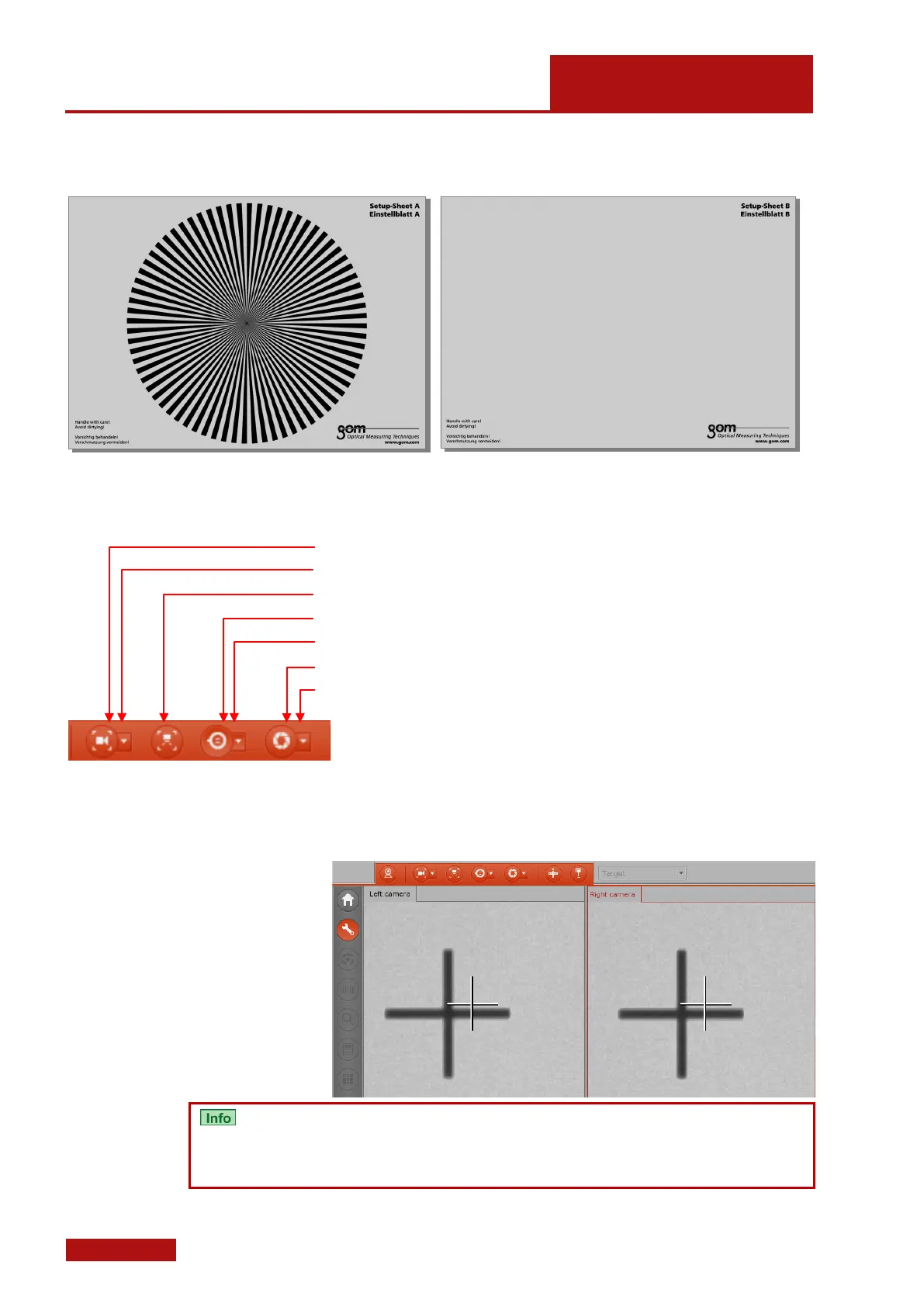
For the setup work, you need special setup sheets.
Setup-Sheet A is required for focus adjustments.
Setup-Sheet B is required for aperture adjustments.
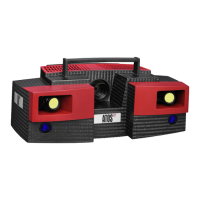
Software dialogs help you to adjust the sensor:
• Adjust focus of left camera
• Adjust focus of right camera
• Adjust projector focus
• Not required for COMPACT SCAN sensors
• Not required for COMPACT SCAN sensors
• Adjust left camera aperture
• Adjust right camera aperture
8.4.1 Camera Angle
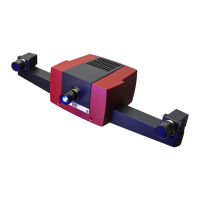
The camera angles are already preadjusted by fixed stops (see 8.3.8)
in order to ensure fast and easy change of the measuring volume.
Due to this fixed setting, slight divergencies might occur between the
projected cross in the 2D camera images and the cross hairs dis-
played by the software.
These divergencies do not affect the measuring accuracy!


 To Next Page