4.5. IPV4 / IPV6 CONFIGURATION
The blue LCD screen and the buttons can be used to manually set up the IP settings of the
LEDI
®
NETWORK TDS.
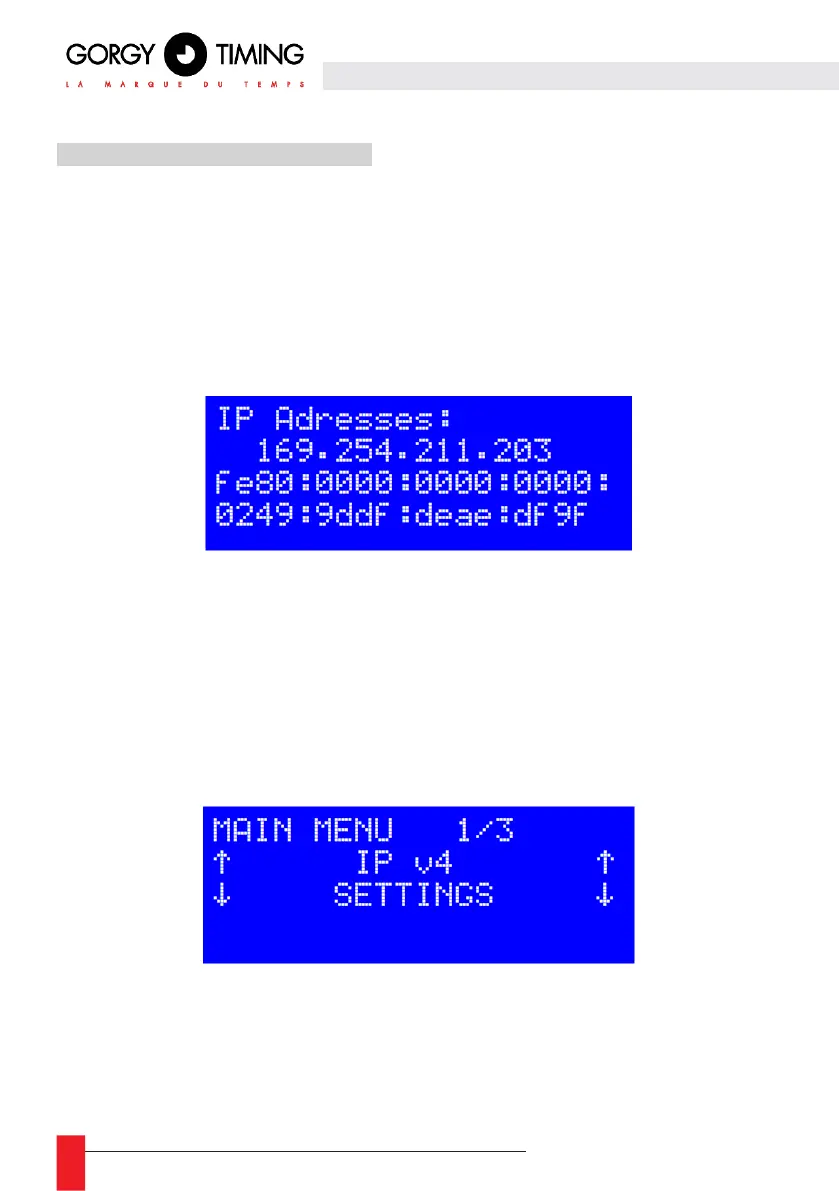
4.5.1. Display current IP addresses
► Press any of the arrow keys to bring up a screen showing the IP addresses of the LEDI
®
NETWORK TDS for a few seconds.
► Depending on the context, these addresses can be DHCP attributed, user-defined or
self-assigned.
4.5.2. Menu
► To access the menu from the main screen, press the “OK” button. A selection menu will
then appear.
► Use the “ ↓ ” and “ ↑ ” keys to navigate the menu. You can choose between IPv4 and
IPv6 configuration. Press “OK” to display the chosen configuration screen.



 To Next Page