5.1. PRESENTATION
The LEDI
®
NETWORK TDS can be configured and supervised through a WEB interface
(website composed of several pages). This is accessible in http or https depending on the
configuration of the time server.
In https the LEDI
®
Network TDS is compatible with TLS 1.2,
TLS_RSA_WITH_AES_256_CBC_SHA, TLS_RSA_WITH_AES_128_CBC_SHA and
TLS_RSA_WITH_AES_256_CBC_SHA256.
This interface provides you with the following features:
► Configuration of network settings
► Configuration of SNMP supervision settings
► Configuration of time inputs
► Configuration of time output cards
Each LEDI
®
Network TDS and each NTP output card has its own WEB server.
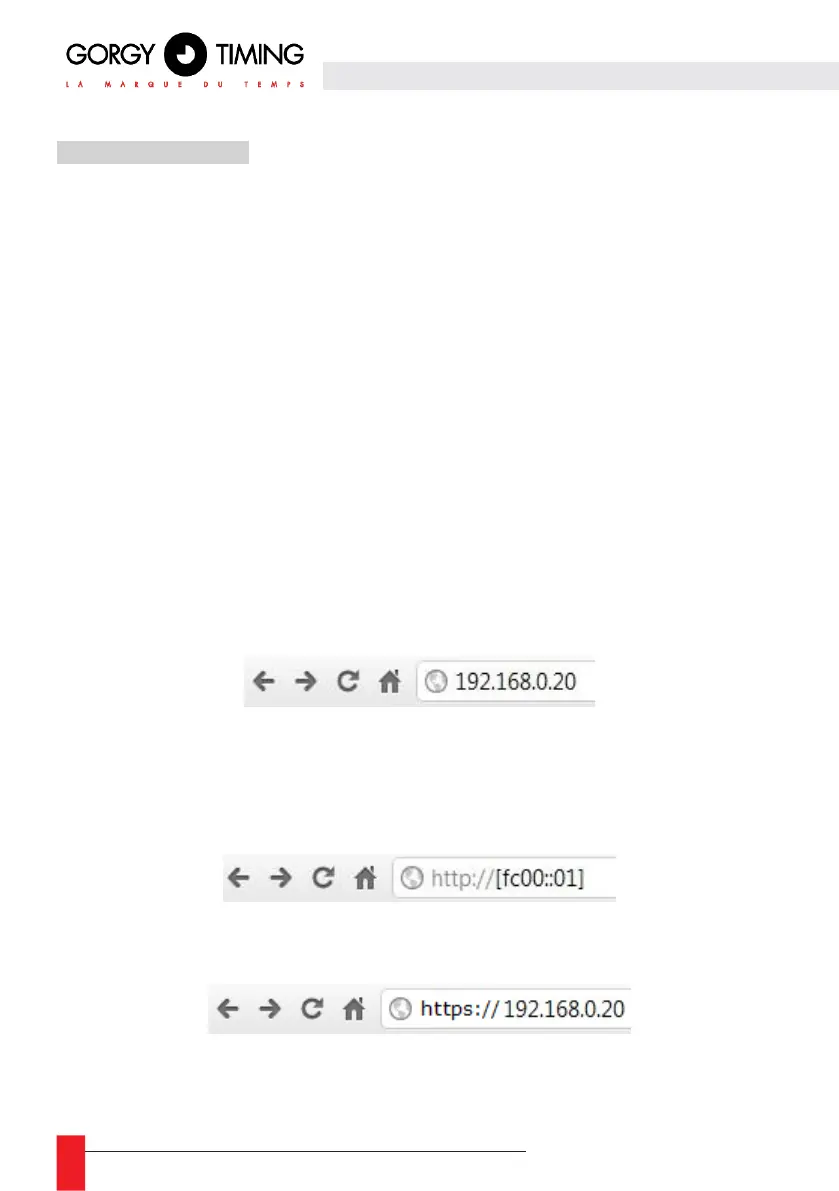
To access the main “Index” page of the website, type the IP address or host name of your
device into the address field of your web browser (as shown below) and validate the entry.
It is recommended to use the most up-to-date versions of browsers to avoid experiencing
any display errors.
To access the server using its IPv6 address, enter it in square brackets:
To access the server in https, add “https://” before the address.



 To Next Page