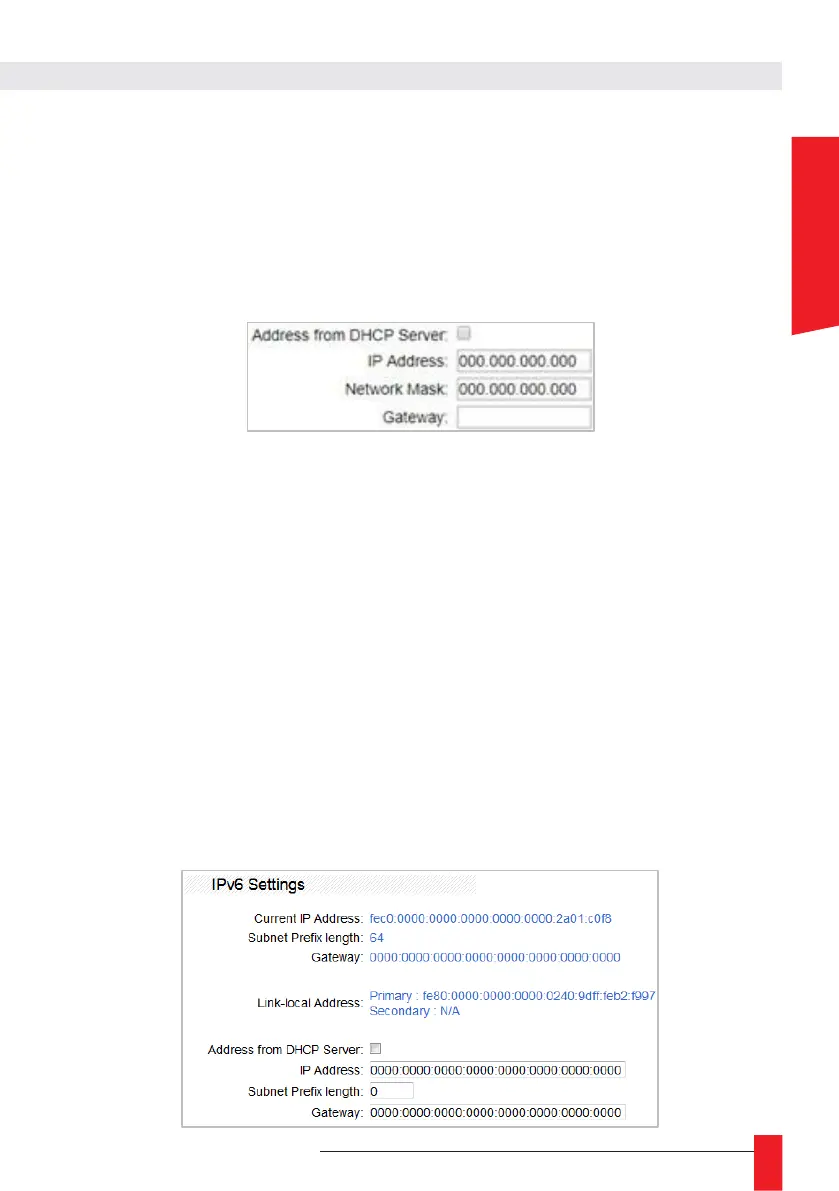
► Address from DHCP server
If this box is checked, the LEDI
®
NETWORK TDS will attempt to get an IPv4 address
from a DHCP server at startup. Failure to obtain an address this way will result in the
server using its automatically configured address.
By unchecking the box, the following settings become available:
►
IP Address
Configures the LEDI
®
NETWORK TDS IPv4 address in the format: xxx.xxx.xxx.xxx
where “xxx” are values from 0 to 255.
► Network submask
Configures the subnet mask to be used. For example, “255.255.255.0” (the network
address range is from 192.168.0.1 to 192.168.0.254).
► Gateway address
If the LEDI
®
NETWORK
TDS is to communicate with elements outside the subnet, this
gateway address must be defined. If this is not the case, leave the gateway field empty.
► Auto-IP Address Enable
If this box is checked, an Auto-IP address (169.254.x.x/16 range) is assigned to the
server in addition to the DHCP or manual address.
Active by default.
IPv6 Settings
The current IPv6 settings are displayed.



 To Next Page