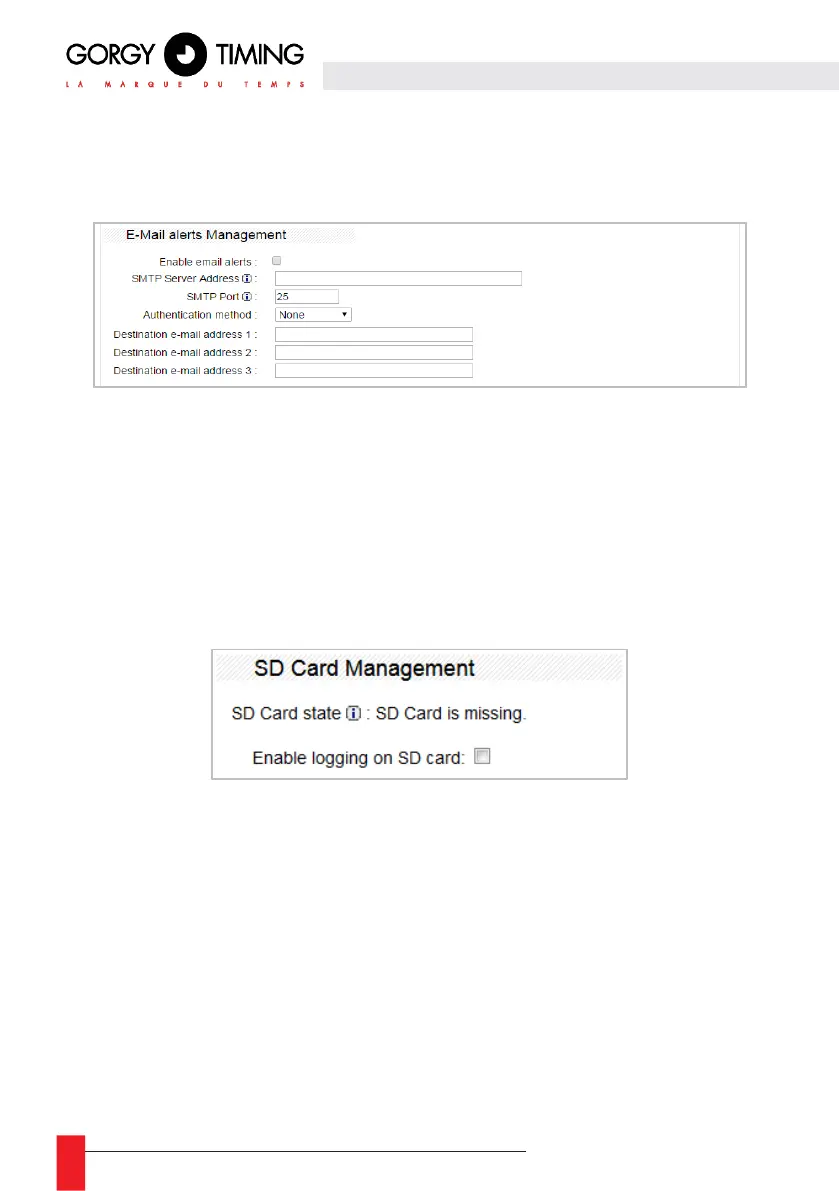
E-Mail alerts Management
Use this part of the Web page to set up the device supervision to send event logs by e-mail.
If “Enable email alerts” is checked when an event/alarm is triggered, the LEDI
®
Network
TDS will send an email to the SMTP server port by authenticating as configured here. The
SMTP server address can be a DNS name or an IP address.
SD Card Management
Use this part of the Web page to configure the supervision of the unit by recording event logs
on the SD card.
If “Enable logging on SD card” is checked when an event/alarm is triggered, the LEDI
®
Network TDS records it on the SD card.
Note: After removing the SD card from its socket, you will need to restart the server, for
example by using the front panel, for the card to be detected again.



 To Next Page