MDE-LEDI-NETWORK-TDS-4099V3.0
Description of available information and settings
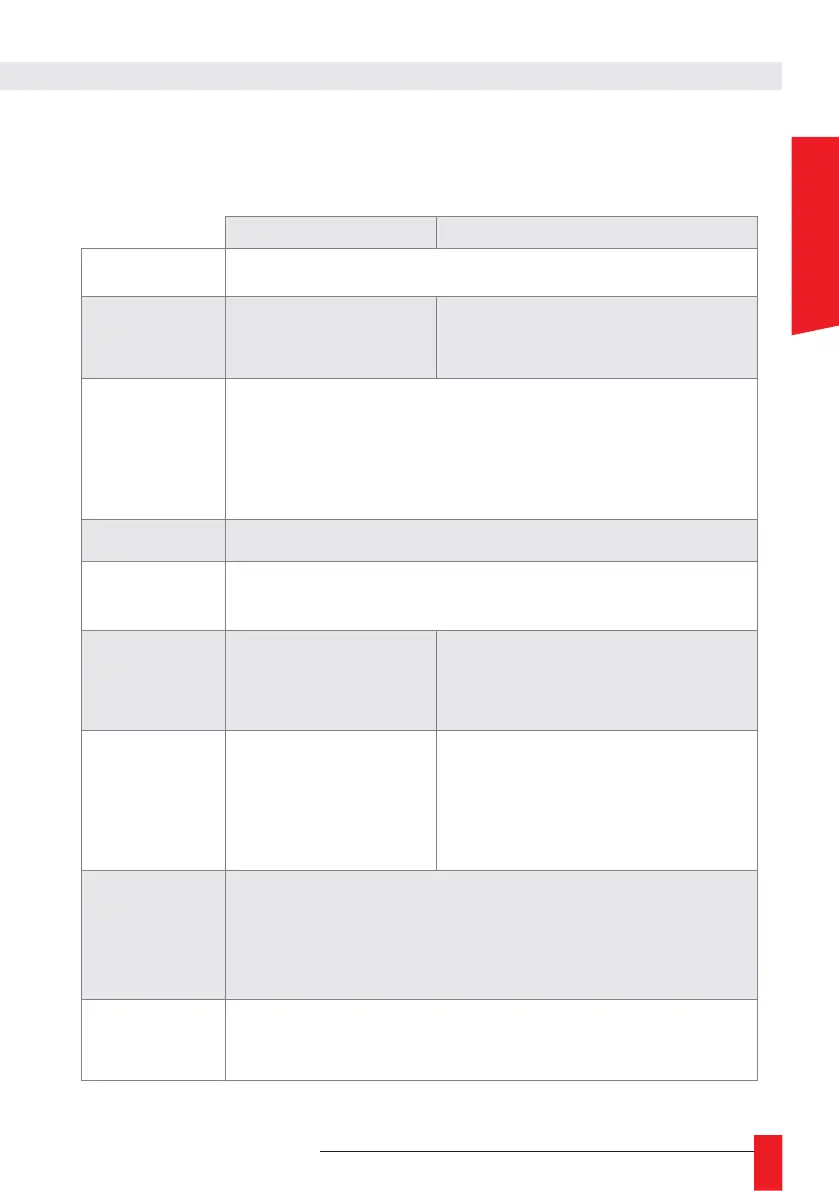
► The table below shows the available features depending on the type of synchronisation
input.
Series of fixed characters including the type of synchronisation (DCF or NTP). The
GPS antenna transmits from the DCF.
Time offset between the input and the
management interface estimated at the last NTP
responses. The management interface integrates
the NTP client.
Indicates the status of the synchronisation source and the date of the last status
change.
• Ignored ([offset]) ► time input is ignored due to a leap
• Selectable ► time input is ready to synchronise with the time server
• Not selectable
►
time input is not ready to synchronise with the time server
• Error ► time input is failing
Checking this box confirms the time difference between this input and the time server.
See section 3.7. Time input instability detection for more information.
Checking this box ignores the synchronisation input. In the case of an NTP input, it
also disables the NTP client. This causes the server to go into alarm, and “NO TIME
CODE” is displayed on the LCD display.
Activates the automatic configuration of the
stratum value.
If enabled, the stratum value is calculated based
on the stratum value received in NTP packets.
Field for manually setting the
stratum value of the NTP server.
Value from 1 to 16.
Field for manually setting the stratum value of the
NTP server.
Value from 1 to 16.
If the option “Automatic Stratum” is checked, this
field is hidden.
Unsynchronization
threshold
Maximum time jump allowed on the input to remain synchronised to it (value in
microseconds). The desynchronisation produced by a time jump above this threshold
temporarily invalidates the time input, which currently only allows alarms to be
generated. The resulting desynchronisation only lasts a few seconds. During
desynchronisation, if the server has a non-zero configured autonomy, it continues to
provide time as if there had been no jump. Otherwise, it stops providing time.
Trust frequency if
no date
When this box is checked, the time entry is still selectable if the time information is no
longer received (but was) but the frequency information is still received.


 To Next Page
 Loading...