Enable Telnet console
► Disables the Telnet server if unchecked. The Telnet interface is described in section F.
Telnet interface and SSH in section 5.2.10. “Interface” page.
SSH Support
► Enables/disables password and/or username access to the SSH server. The SSH
interface is described in section F. Telnet interface and SSH in section 5.2.10.
“Interface” page.
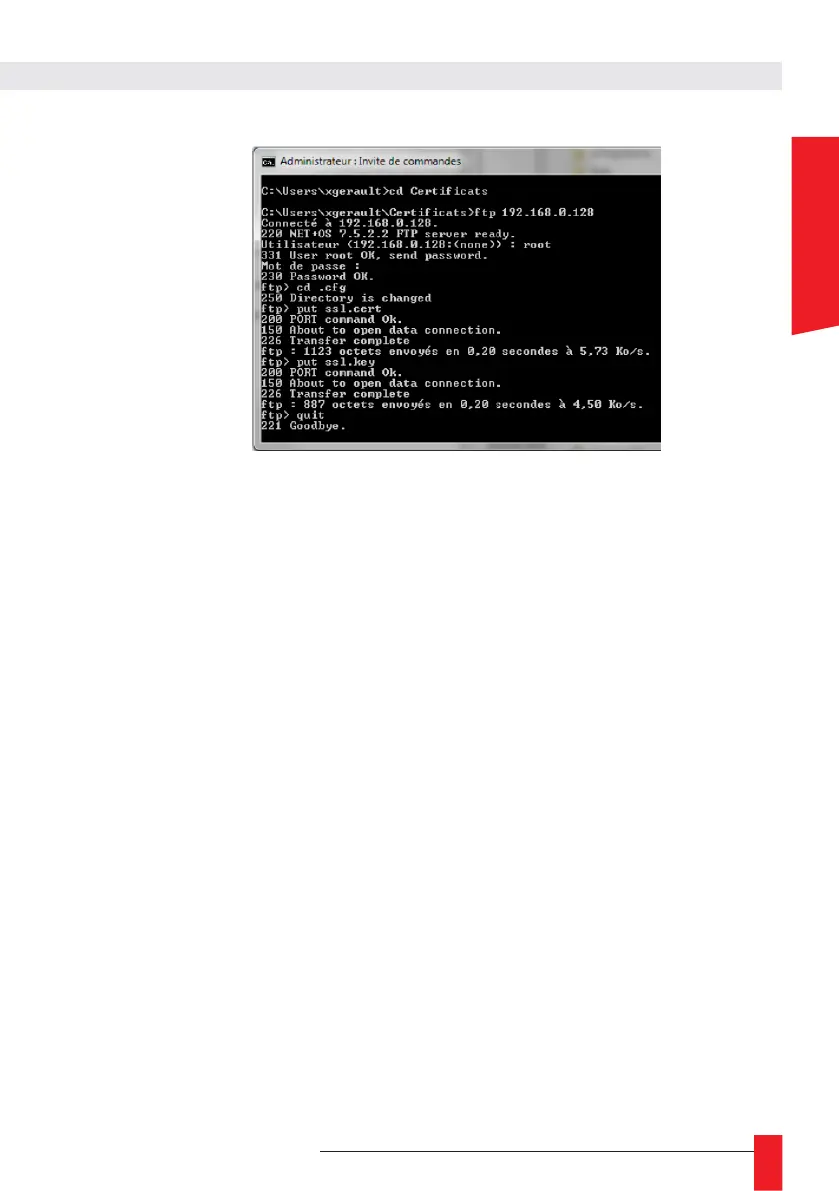
Enable FTP server
► If enabled, file transfers between the product and other machines on the same IP
network are possible using FTP.
Enable ENDMI protocol
► If enabled, this protocol allows GTNetworkManager 2 and GT SCADA software to
discover this product over the IP network.
Enable the front panel menu
► If enabled, the main menu can be accessed on the front panel LCD display by pressing
the “OK” button (see Chapter 4.4. IPv4/IPv6 configuration).
► If disabled, pressing the “OK” button will be ignored. Users will no longer be able to
access the main menu of LCD display and change the IPv4/IPv6 settings from this
menu. These changes can only be made from the web server. A padlock icon will appear
in the top right corner of the screen.



 To Next Page