5- Wait for the module to restart, do not switch it off until it has completely rebooted.
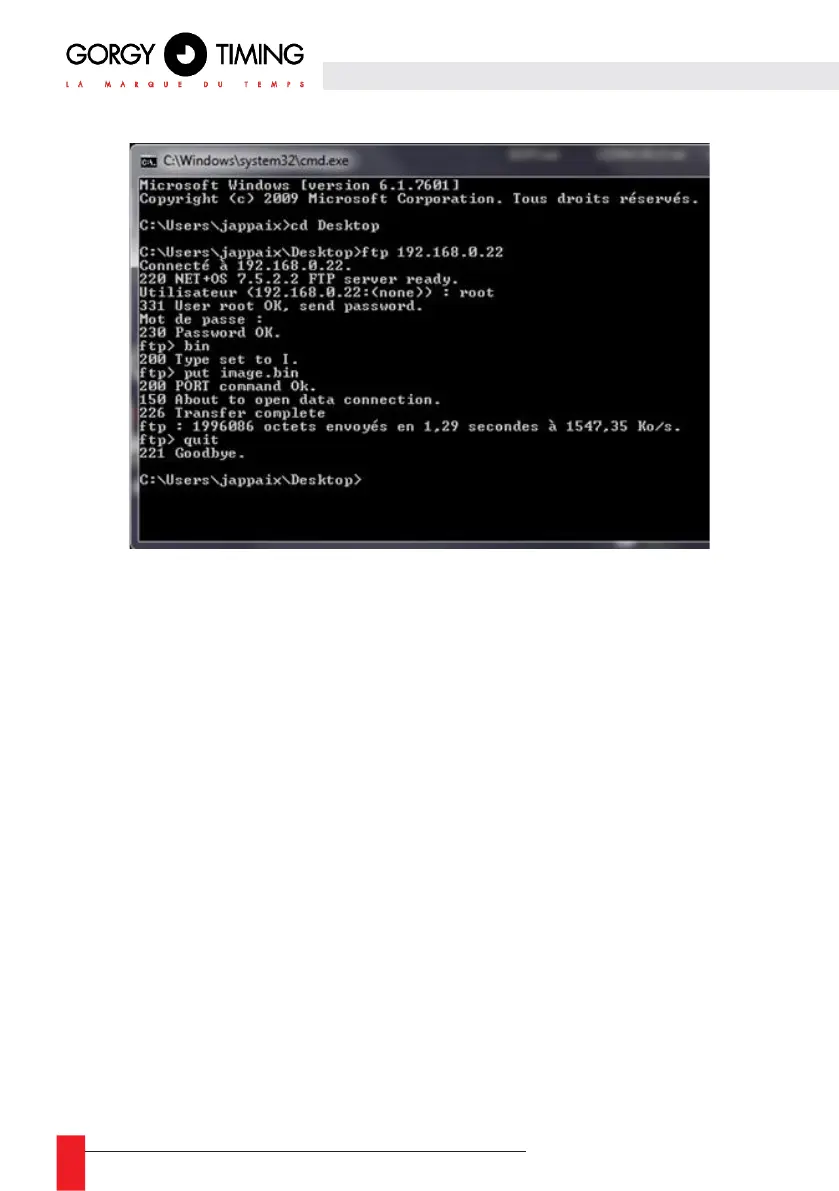
6- In the terminal, with the “cd” command, change the folder to the one containing
the firmware (the “image.bin” file which is about 2MB) to be sent to the product.
7- Type "ftp <IP module address>", ENTER
Username: "root"
Password: "password"
If the password is rejected:
- Type "quit"
- Resume step 8 with the password "gtmt"
8- Type:
"bin", ENTER
"put image.bin", ENTER "quit", ENTER
9- Do not switch off the module before it has finished restarting.
Please read the “WARNINGS” note carefully.



 To Next Page