765041938 Rev. 002 30
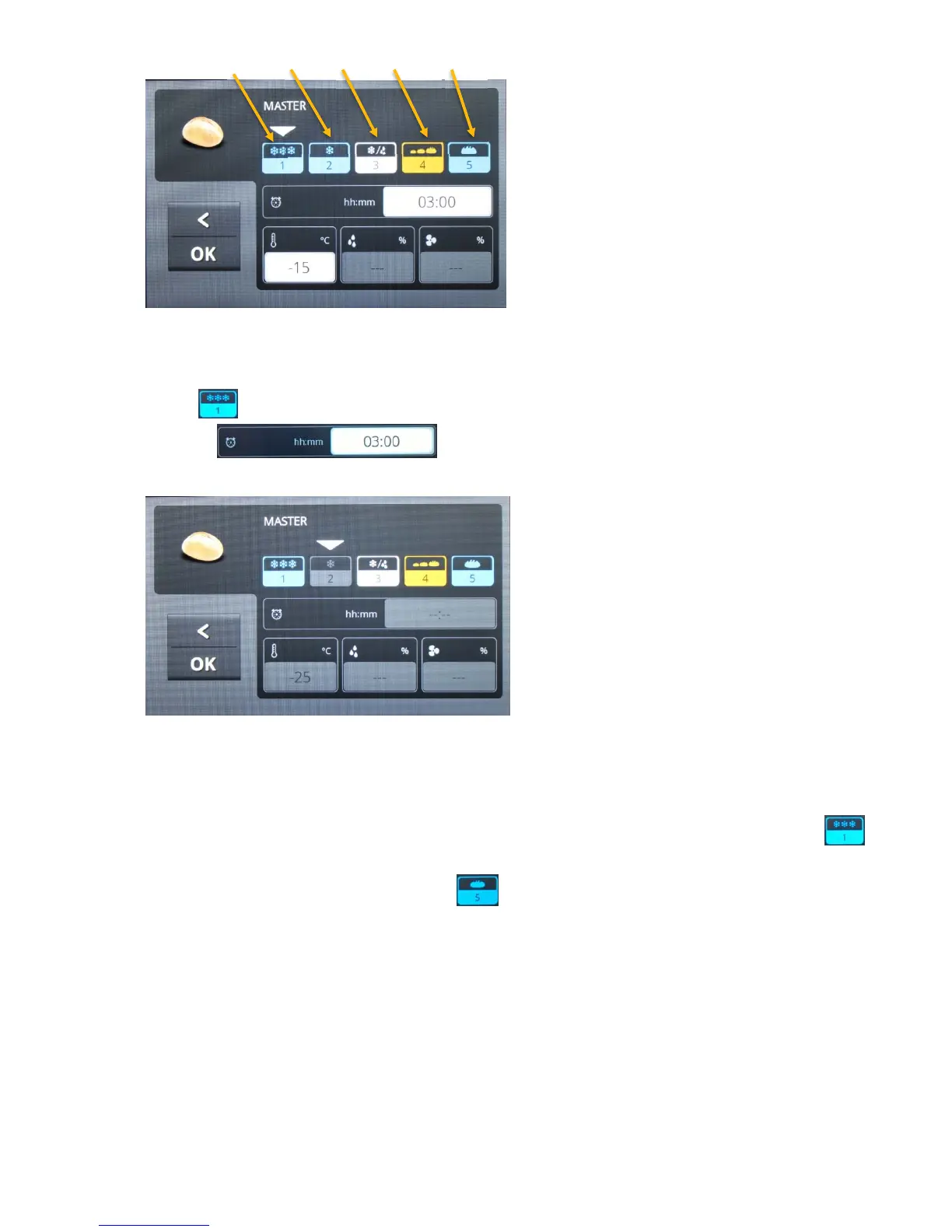
Fig. 39
Under these, there are fields containing the values for duration, temperature and relative
humidity for the respective program phase. By touching the field for the respective program
phase, for example, it is selected for the setting of its values. Then the fields, for
example , are opened when touched. The value entered for a
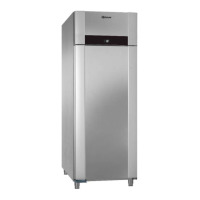
value, for example the length of time "Duration", is shown (fig. 40).
Fig. 40
In order to deactivate a program phase, the symbol must be selected, after which you press
on it until the "GREY" field has been saved. To reactivate the program phase, you must
press on it again until the symbol has its original colour. If goods are placed in the unit that
have been refrigerated in advance, and the program is started with storage, then under
you must choose selection, see the first section. For example, to disconnect holding, you
have to make the same selection under .
FreezingStorageThawingProvingHolding


 To Next Page