3 – 1
3. PREPARING FOR A CUTTING OPERATION
This chapter provides instructions on using the control panel, loading a medium, setting the cutting condi-
tions, and so forth.
3.1 Control Panel
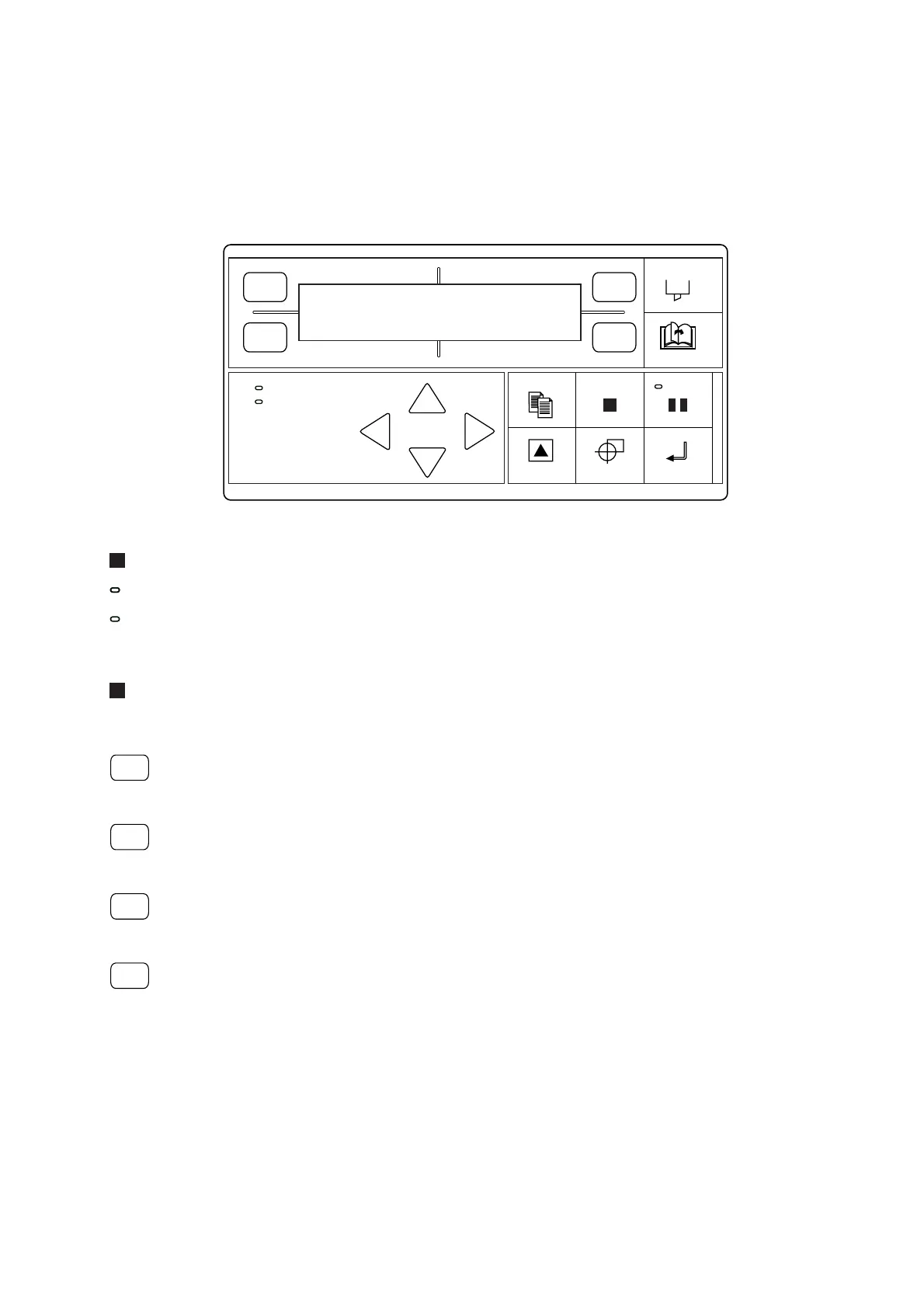
Indicator Lamps
POWERPOWER
........ The POWER lamp remains lit (green) while the plotter is on.
PROMPT
....... The PROMPT lamp lights (red) when the plotter receives data that will cause the pen car-
riage to move outside the effective cutting area.
Function Keys
The four function keys F1 through F4 are used to select a menu or to select a function on a displayed menu.
F1
.............. Press the F1 key to select a function during Menu mode, to select Cutter Conditions 1 during
Online status, or to change the cutting FORCE setting after the CONDITIONS key has been
pressed.
F2
.............. Press the F2 key to select a function during Menu mode, to select Cutter Conditions 2 during
Online status, or to change the cutting SPEED setting after the CONDITIONS key has been
pressed.
F3
.............. Press the F3 key to select a function during Menu mode, to select Cutter Conditions 3 during
Online status, or to change the cutter OFFSET setting after the CONDITIONS key has been
pressed.
F4
.............. Press the F4 key to select a function during Menu mode, to select Cutter Conditions 4 during
Online status, or to change the cutting QUALITY setting after the CONDITIONS key has
been pressed.
POWER
PROMPT
FORCE
SPEED
OFFSET
QUALITY
F1 F3
F4
F2










 To Next Page