6 – 14
6.8 Specifying the Registration MARK Mode
The MARK MODE function allows you to align the orientation of the plotter’s X and Y axes with the coordi-
nate axes on a medium that is pre-printed with, for example, registration marks.
NOTE
• For automatic recognition of registration marks, their line width must range from 0.3 to 1.0 mm.
• When using a combination other than black registration marks on a white medium, the plotter may
not be able to recognize the registration marks.
• The registration marks may not be accurately recognized if:
• The registration marks’ lines have blurred edges;
• There is dust or other foreign matter in the reading area; or
• The medium comes loose from the writing panel.
• When using a medium that is not suitable for automatic registration mark recognition, use manual
registration mark recognition.
Setting Procedure
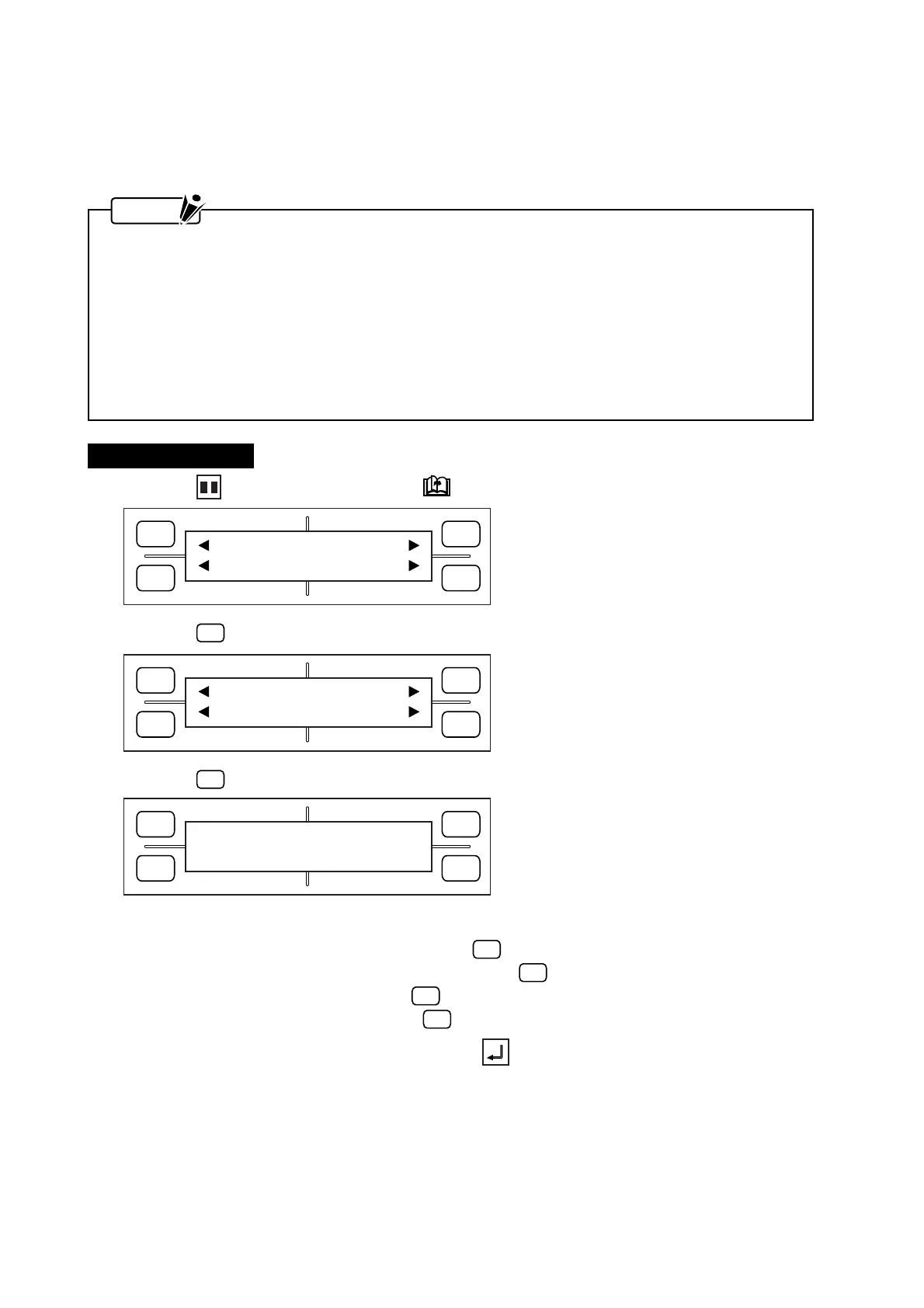
(1) Press the PAUSE key, then press the NEXT PAGE key until the menu below appears.
(2) Press the
F1
(MARK) key to display the menu below.
(3) Press the
F1
(MODE) key to display the menu below.
(4) The currently selected setting is indicated by the asterisk (
*
) symbol.
To disable registration mark recognition, press the
F1
(OFF) key.
To select manual registration mark recognition, press the
F3
(MANUAL) key.
To select two-point recognition, press the
F2
(2 POINT) key.
To select three-point recognition, press the
F4
(3 POINT) key.
(5) When the displayed setting is satisfactory, press the ENTER key to register your setting.
If you selected 2 POINT or 3 POINT in Step (4), proceed to Step (6) to specify the MARK MOVE
parameter.
If you selected OFF or MANUAL in Step (4), skip to Step (9).
FORCE
SPEED
OFFSET
QUALITY
F1 F3
F4
F2
MARK PEN U/D
CLEAR SELECT PEN
FORCE
SPEED
OFFSET
QUALITY
F1 F3
F4
F2
MODE MARK SIZE
TYPE EXPAND
FORCE
SPEED
OFFSET
QUALITY
F1 F3
F4
F2
*OFF MODE
MANUAL
2 POINT 3 POINT










 To Next Page