5 – 7
FORCE
SPEED
OFFSET
QUALITY
F1 F3
F4
F2
MARK PEN U/D
CLEAR SELECT PEN
5.4 Raising or Lowering the Pen
The PEN U/D function is used for raising or lowering the pen.
Setting Procedure
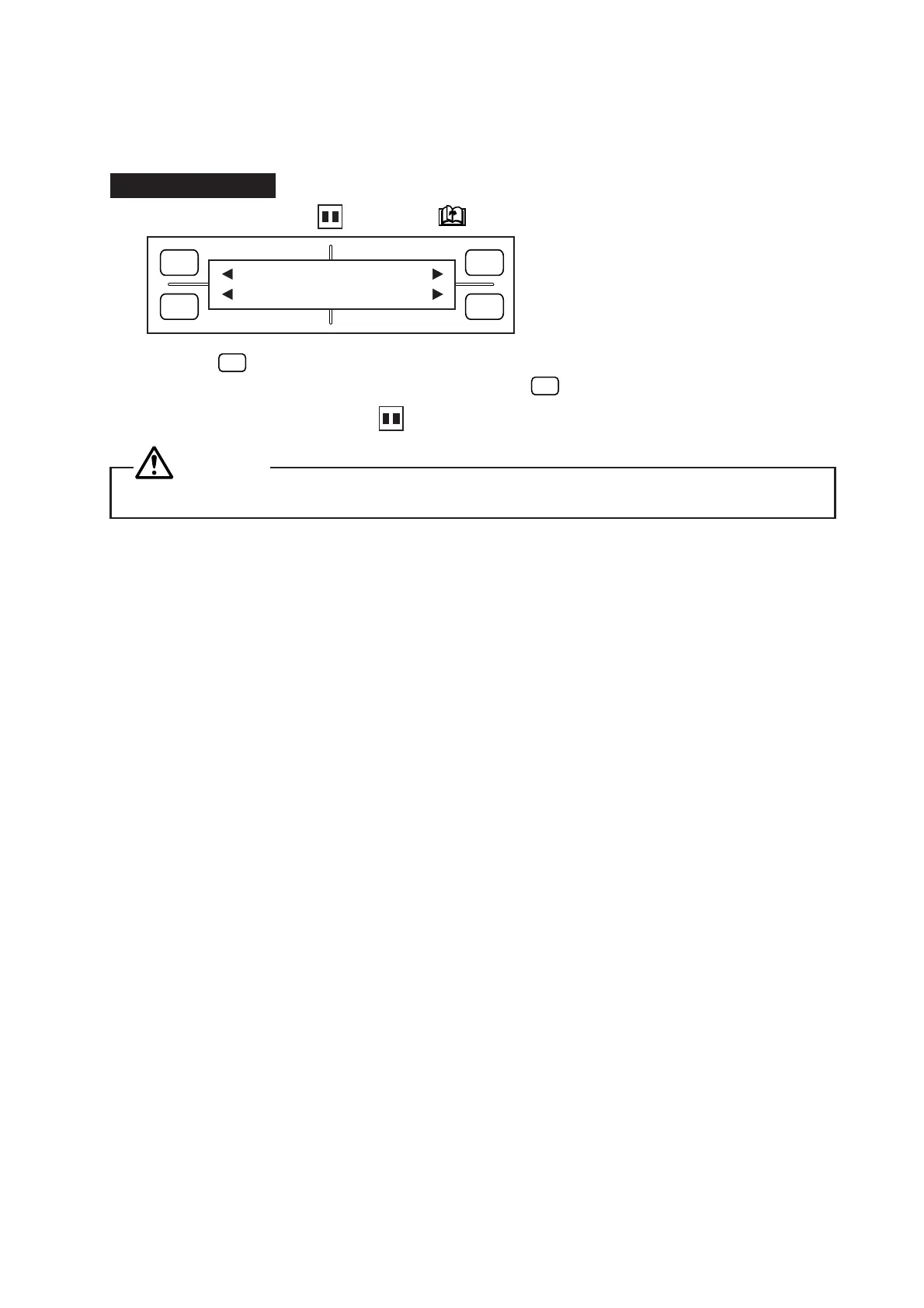
(1) Consecutively press the PAUSE and NEXT PAGE keys to display the menu below.
(2) Press the
F3
(PEN U/D) key to lower the pen. Press the same key again to raise the pen. The pen
will be either lowered or raised each time you press the
F3
key.
(3) When you are finished, press the PAUSE key to return the plotter to READY status.
CAUTION
When lower or raising a pen, keep hands and other parts of the body clear of the pen holder.










 To Next Page