6 – 20
FORCE
SPEED
OFFSET
QUALITY
F1 F3
F4
F2
O-X M 260.0 mm
S 0260.0 mm
FORCE
SPEED
OFFSET
QUALITY
F1 F3
F4
F2
O-Y M 200.0 mm
S 0200.0 mm
To begin adjustment, press the
F1
(No. = 1),
F2
(No. = 2) or
F4
(No. = 3) key to select the corre-
sponding number for the mark space interval registered for the Mark Move Dist. setting. The message
below appears.
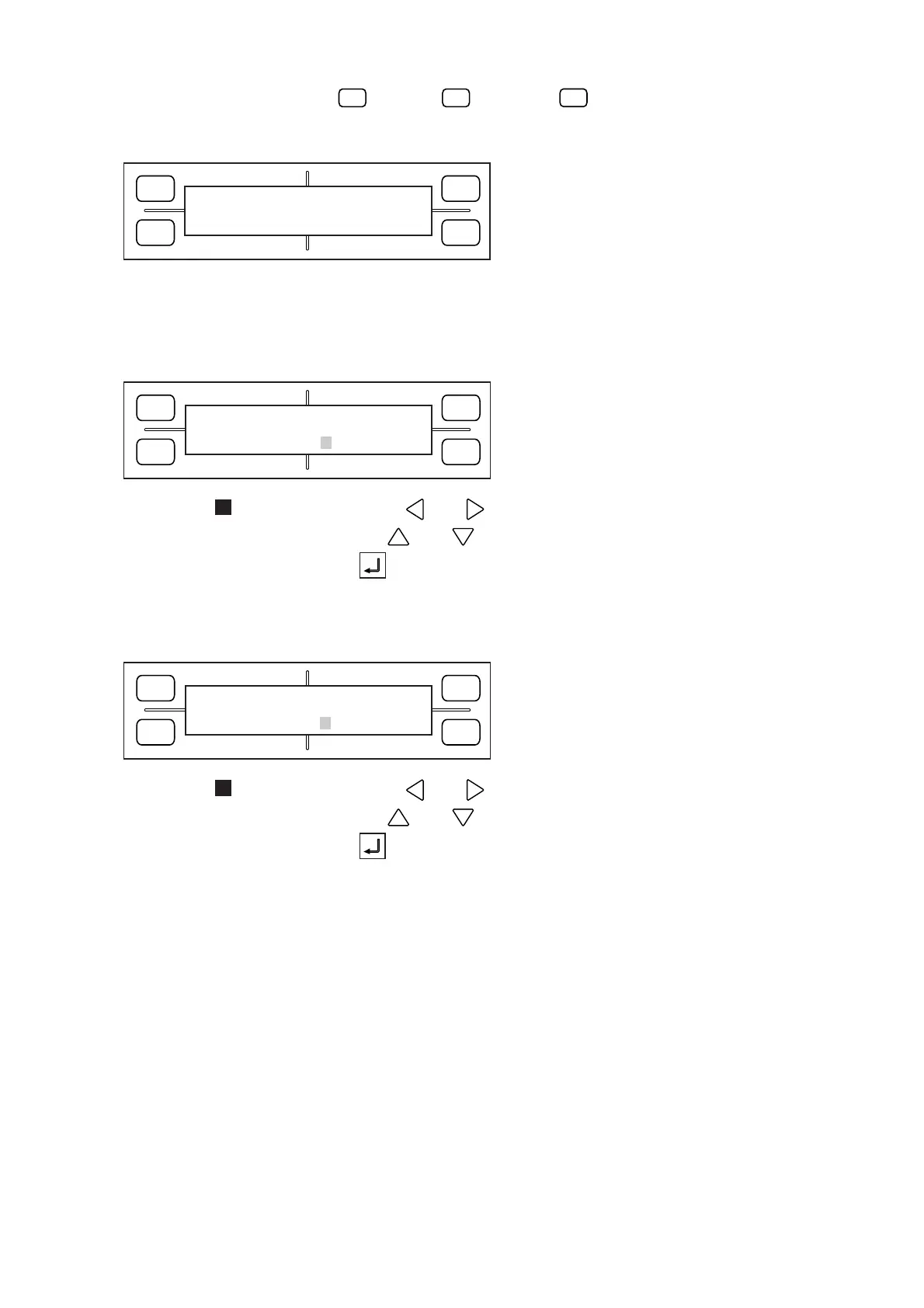
(3) When the three points have been automatically recognized, the menu below appears (only when the
MARK DIST. ADJ. setting is MANUAL).
The display’s first line shows the distance between the points A and B as read by the plotter, so input
the actual distance in the second line.
To move the blinking cursor, use the and POSITION keys.
To change the numeric value, use the and POSITION keys.
To register your setting, press the ENTER key. The menu below appears (only when the MARK
DIST. ADJ. setting is MANUAL).
The display’s first line shows the distance between the points A and C as read by the plotter, so input
the actual distance in the second line.
To move the blinking cursor, use the and POSITION keys.
To change the numeric value, use the and POSITION keys.
To register your setting, press the ENTER key.
(4) After the ENTER key is pressed in Step (3) while the second menu is being displayed, the plotter
returns to READY status.
FORCE
SPEED
OFFSET
QUALITY
F1 F3
F4
F2
WAIT
.....










 To Next Page