27
Creating Your First New Objects
When the scanner is first turned on after it is unpacked, you are working
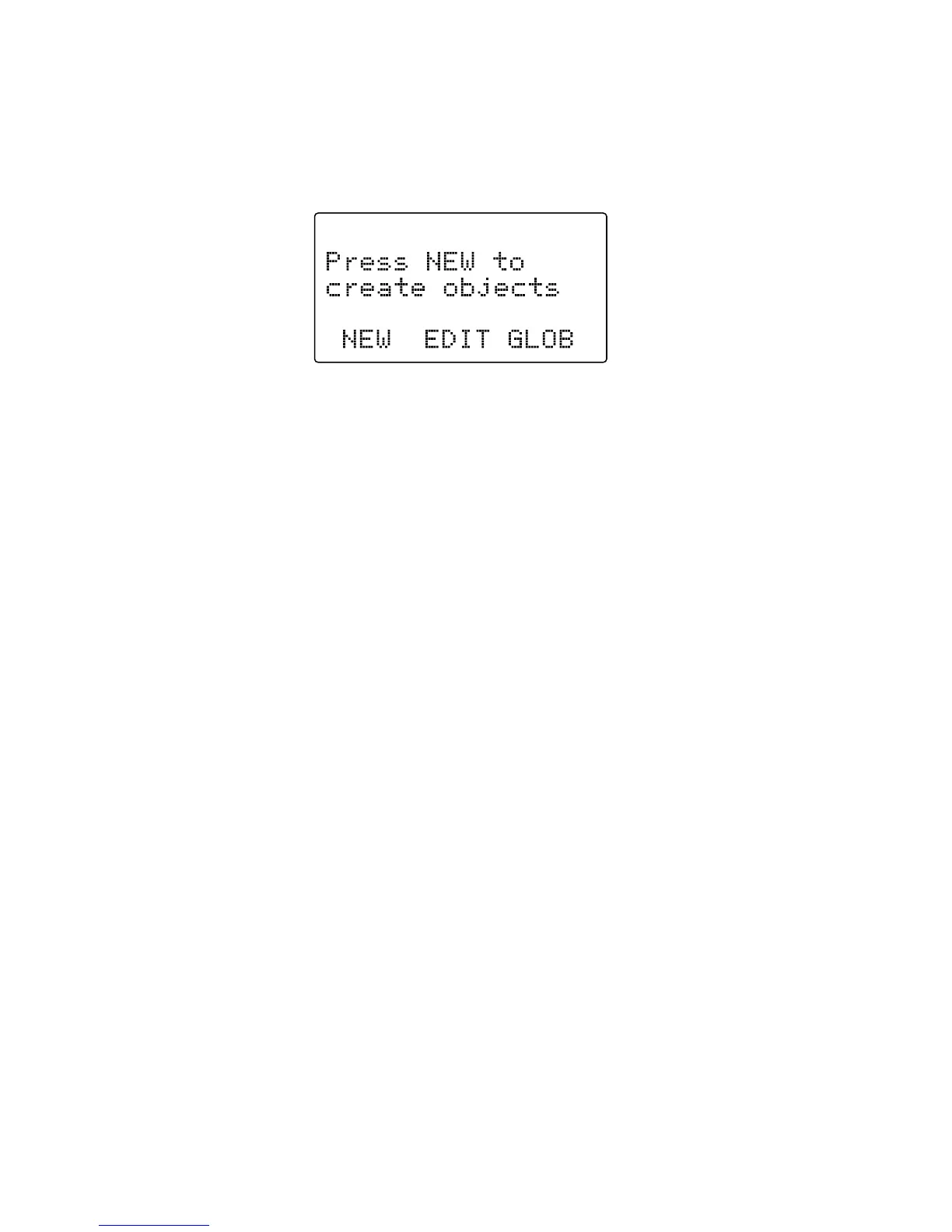
with a clean slate. You will notice that your scanner tells you this:
The scanner is in program mode and is ready for you to enter the first
Objects into the memory. The scanner prompts you to Press
NEW
to create
objects.
You will also notice that there are three pushbutton keys beneath the
display, and above each button in the display, a label that indicates the
current function of these three keys. These keys are called softkeys, and
they function much like the softkeys on many Automatic Teller Machines.
Their meaning can change depending on the operational state that the
radio is in. Right now, the softkeys on your radio should read as follows:
NEW EDIT GLOB
Let's focus on the
NEW
softkey for a few minutes. As you might have
guessed,
NEW
is an invitation for you to create a new Scannable Object
(CONV, TGRP, LMIT, SRVC, or SWPR). So, what would you like to create
first? We suggest that you start with a Conventional Channel Object (CONV)
first, to get familiar with the radio's user interface and display.
Conventional Channel Object (CONV)
A Conventional Channel Object (CONV) is a record that stores the
parameters for a regular, non-trunked conventional AM or FM channel.
When you create a CONV object, you are creating an object that will
allow you to scan and monitor a “plain old radio channel”, that is, a single
frequency and the associated parameters that are necessary for you to
receive traffic on that frequency.



 To Next Page