33
6 1
M
9 3
Y
• <space>
7 4
S
9 3
Y
7 4
S
8 1
T
3 2
E
6 1
M
If necessary, use the decimal/period key or the CLR key to delete any
unnecessary characters, and press the
SAVE
softkey to save your TSYS
name. Next, scroll to the
Frequencies:
field to begin entering the
control channel frequencies for the My System trunked radio system. Press
the SEL key, and at the
Ch01:
field you should enter the first control
channel frequency for your Motorola trunked radio system. Simply key in
the frequency including the decimal point, and press the ENT key or the
DONE
softkey to store the control channel frequency. Press the
6
key
and repeat this step to add any other control channels used by the system.
Typically, a Motorola trunked radio site or system will have one active
control channel and three backup control channels. You need only enter the
active control channel for the scanner to track the system, but if the system
switches to a backup control channel the scanner will not receive traffic
unless the frequency for the backup control channel has been entered.
Once you have finished entering the control channels, press the
SAVE
softkey, then press the
SAVE
softkey again. This will store the new TSYS
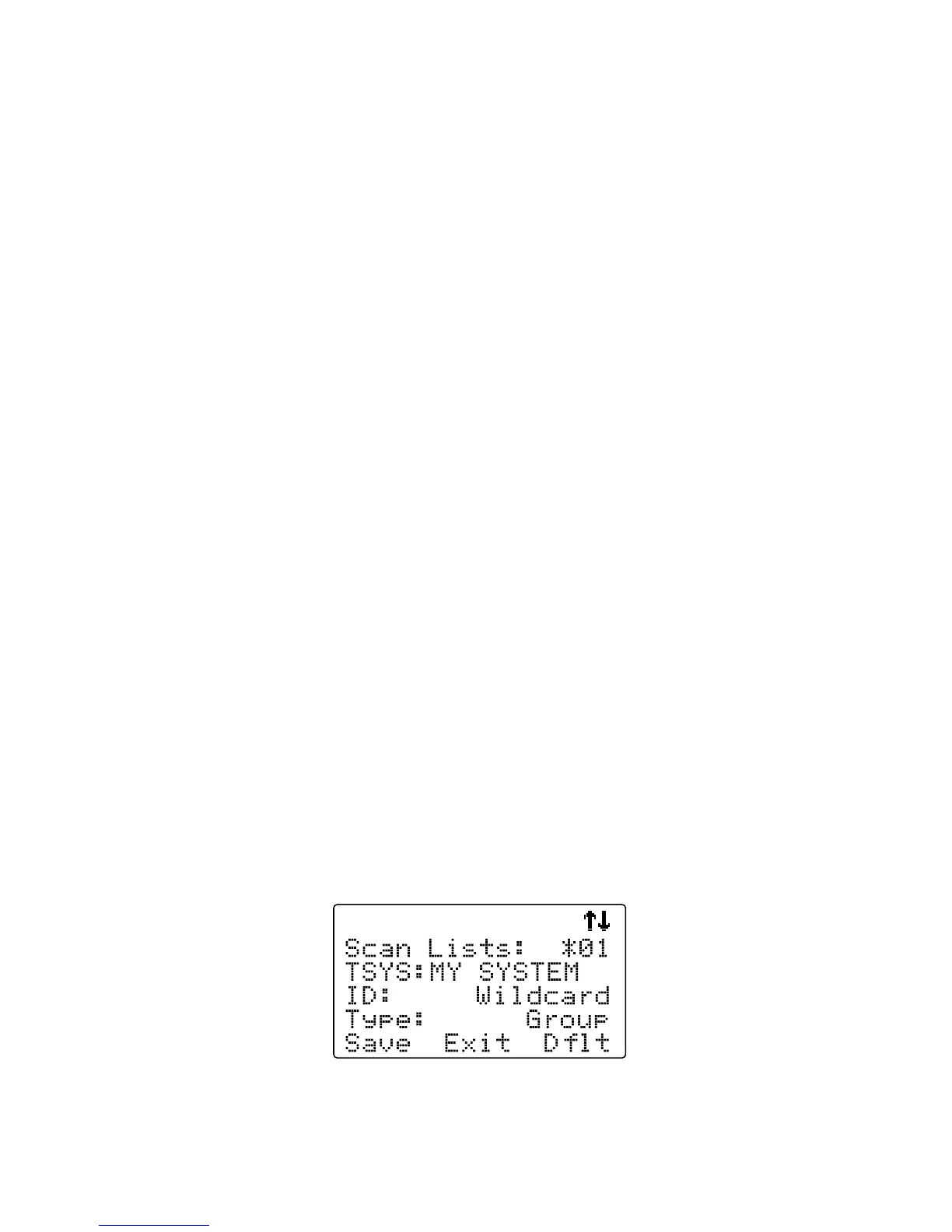
into memory and return you to the TGRP parameter entry. Your display will
now appear as follows:



 To Next Page