16
TV guide
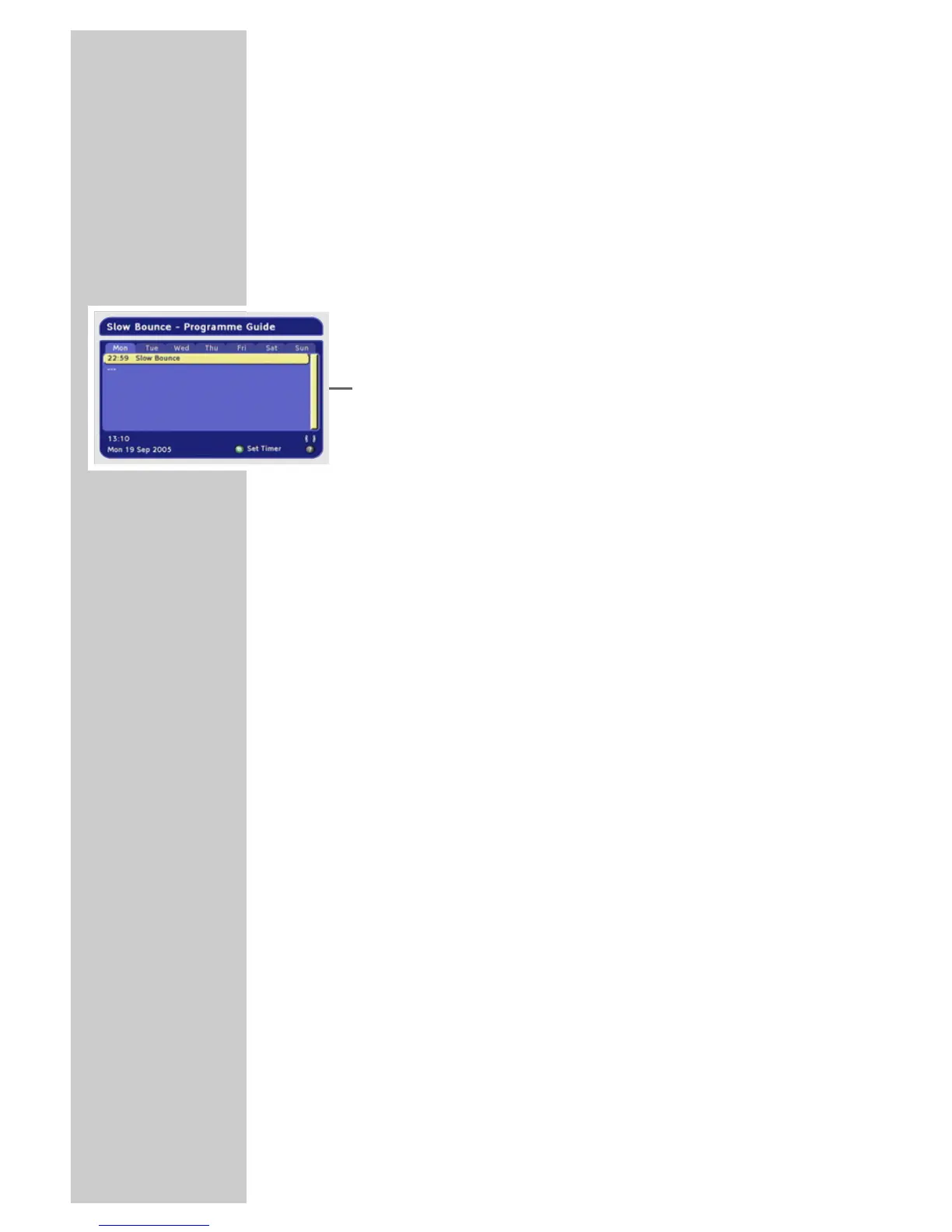
The electrical TV guide offers an overview of all programmes that
will be broadcast on the current station in the next week.
1 Press »TV-G« to view the station information.
– All today’s programmes are shown.
Notes:
Not all stations supply a detailed TV guide.
Many broadcasters supply the daily programme but no
detailed descriptions.
Some broadcasters do not supply any information.
2 Press »P-«, »P+«, »
Ǹ
« or »
Ƿ
« to select the programmes.
Notes:
You can use the colour buttons to switch directly to the morning,
afternoon or evening programmes.
3 Press »
?« to see the information on the selected programme.
4 Scroll through the station information with »P-«, »P+«, »
Ǹ
« or
»
Ƿ
«.
5 Press »Z« to return to today’s programmes.
6 Press »
Ȅ« and »OK« to add the selected programme to the
recording timer.
(See the section on the recording timer on page 26.)
7 Press »Z« to quit the TV guide.
BASIC FUNCTIONS
______________________________________









 To Next Page