28
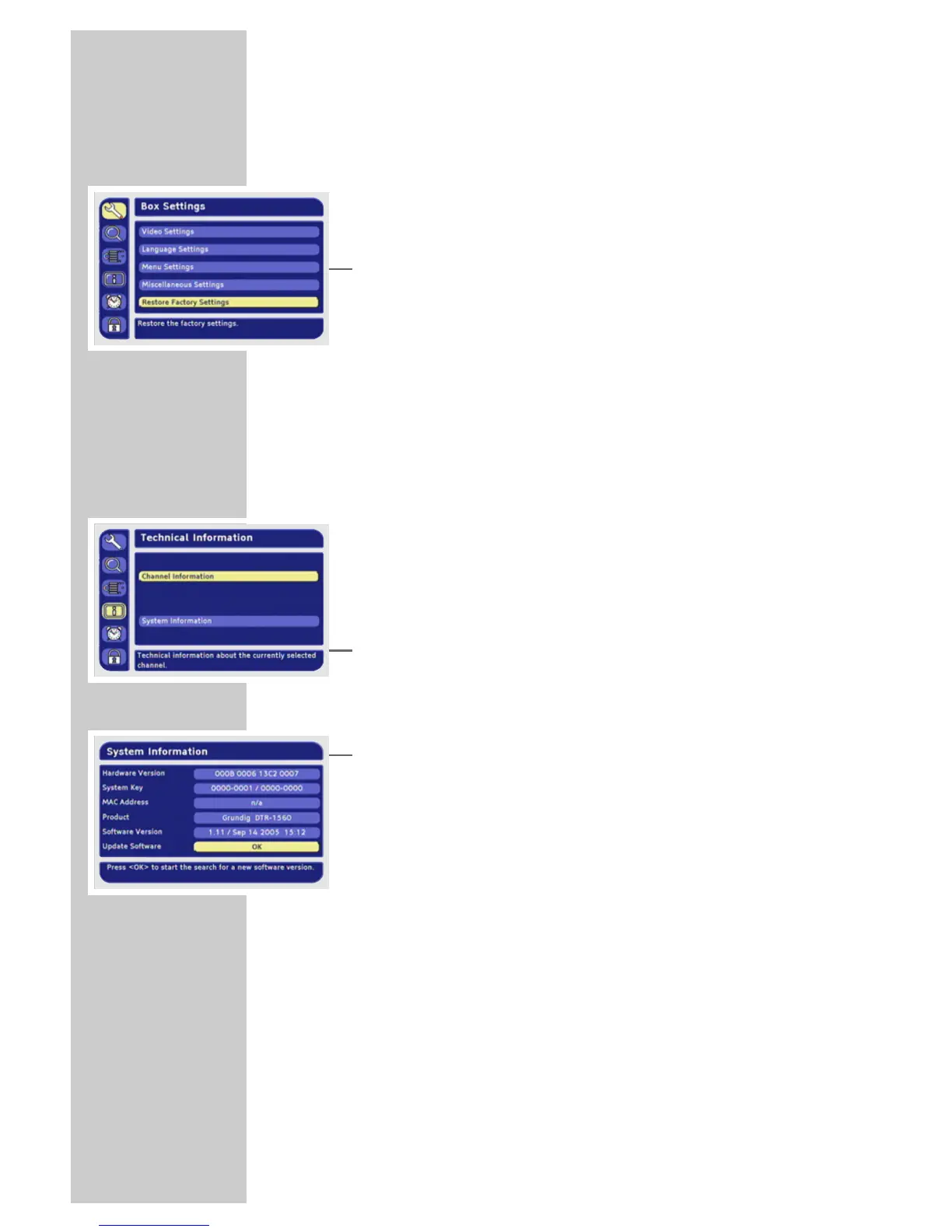
Resetting the receiver to its original state
This function enables you to delete the station lists and all custom
settings.
1 In the main menu, select »Box Settings« with »P-« or »P+« and
press »OK« to confirm.
2 Select »Restore Factory Settings« with »P-« or »P+« and press
»OK« to confirm.
3 Press »
Ǹ
« or »
Ƿ
« to select »Yes« and press »OK« to confirm.
– The receiver switches itself off and then on again.
– The »Initial installation« menu appears.
4 Reprogram the device as described on page 11.
Updating the digital receiver software
The digital receiver’s technology enables you to update the soft-
ware.
The digital receiver must be in standby to receive software updates.
The receiver checks for software updates every night between
01:00 and 05:00. If there is an update, the receiver will automati-
cally update its software.
You can also search for updates manually.
1 In the main menu, select »Technical Information« with »P-« or
»P+« and press »OK« to confirm.
2 Select »System Information« with »P-« or »P+« and press
»OK« to confirm.
3 Select »Update Software« with »OK«
4 Press »
Ǹ
« or »
Ƿ
« to select »Yes« and press »OK« to confirm.
– The receiver checks for a more recent update. The actual
update is always carried out in the time period mentioned
above.
Note:
An interruption during the downloading process (for example
by pulling out the mains plug) can damage the operating soft-
ware of the digital receiver.
Read the instructions in the menus carefully.
SPECIAL SETTINGS ______________________________









 To Next Page