32
© Guldmann GB/US-02/2021 • # 550216_19
© Guldmann GB/US-02/2021 • # 550216_19
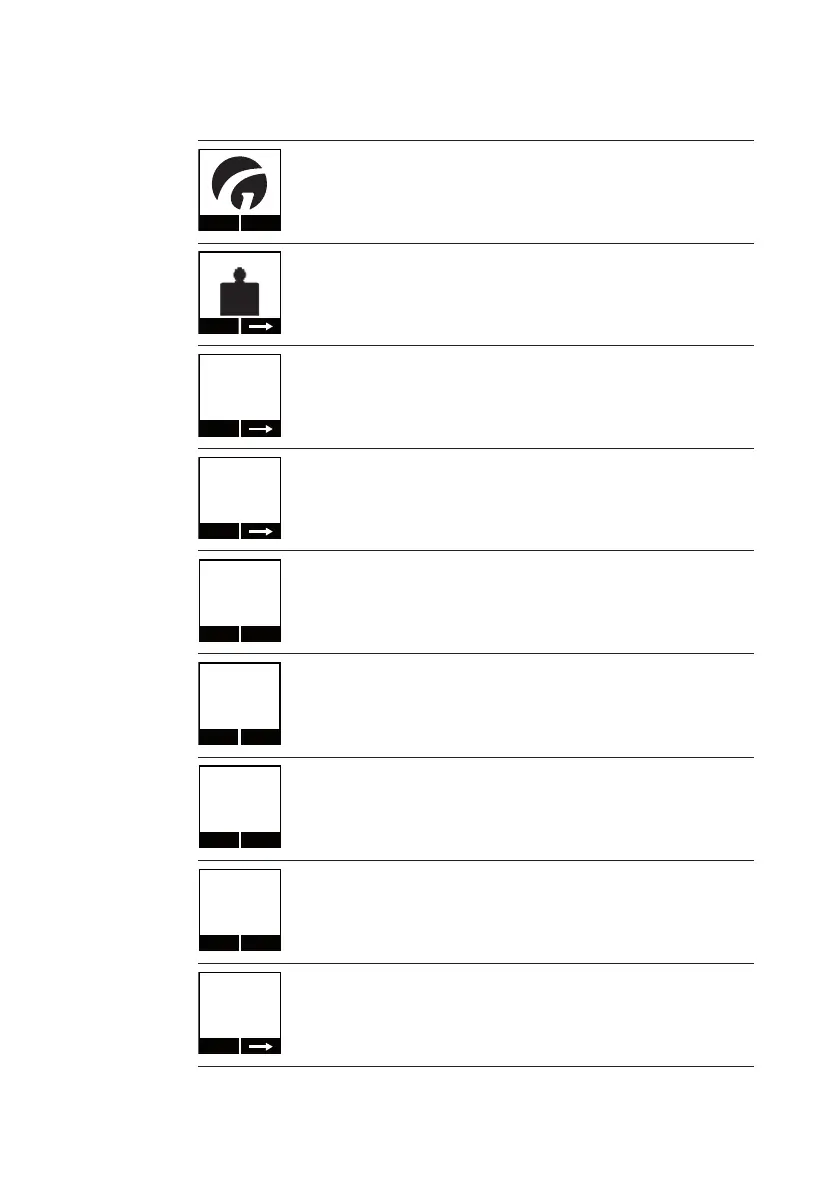
Screen utilised when using the Class III scale
Menu
Start-up logo:
Press ”menu” to select the function
Start
III
Scale
Menu icon for ”scale”.
Press the left navigation button ”Start” to enter the menu.
Ta r e
Scale
- - -
Scale (in the scale menu): the scale starts up and resetting occurs
automatically:
• Weight indication replaced by ashing lines
• Wait up to 10 sec before weight is shown
Ta r e
0.0 kg
►0◄
Weight (in scale menu): symbol for 0 is shown and means:
• The scale has been reset but has not yet been tared
• Weighing is being performed in weighing area 1 (W1)
Ta r e
Exit
87.3 kg
Scale (in the scale menu): normal weighing.
• Here the weight is shown in weighing area 1 (W1)
• The sling is at rest and the weighing is therefore valid (as indicated
by the ”kg” sign)
Tara
Exit
125.7
Weight (in scale menu): normal weighing
• The scale is in weighing area 1 (W1)
• The sling is not at rest, and the scale is therefore not ready for
weighing (”kg” sign is not shown)
Exit
Ta r e
65.2 kg
NET
Weight (in scale menu):
• Net weight (NET) is shown as a result of the scale being tared
• Weighing range 1 (W1)
• The sling is at rest and the scale is ready for weighing (kg)
Ta r e
Exit
215.8 kg
Weight (in scale menu):
• Net weight (”NET” is turned o): the weight has not been tared
• Weighing range 2 (W2)
• The sling is at rest and the scale is ready for weighing (kg)
Scale Info 1-2
Version
01.00
Next
Version (information screen 1 of 2 in scale menu):
• The number before the decimal counts the software versions and
larger modications
• The number after the decimal counts minor software modications
and bug xes


 To Next Page