Customer Help Line
TEL: 1300 886 649
18
Powering the LED LCD TV
To turn the power ON or OFF:
1 Make sure the power cable is properly plugged in.
2 Turn on the power by pressing the switch at the back of the TV.
3Press the POWER button on the remote control.
NOTE: Make sure you are aiming the remote control unit at the sensor at
the front of the TV.
You can select between the TV signal and the input signal of other
equipment connected to the TV.
Use this function to switch to the input source you wish to view.
Selecting an input source
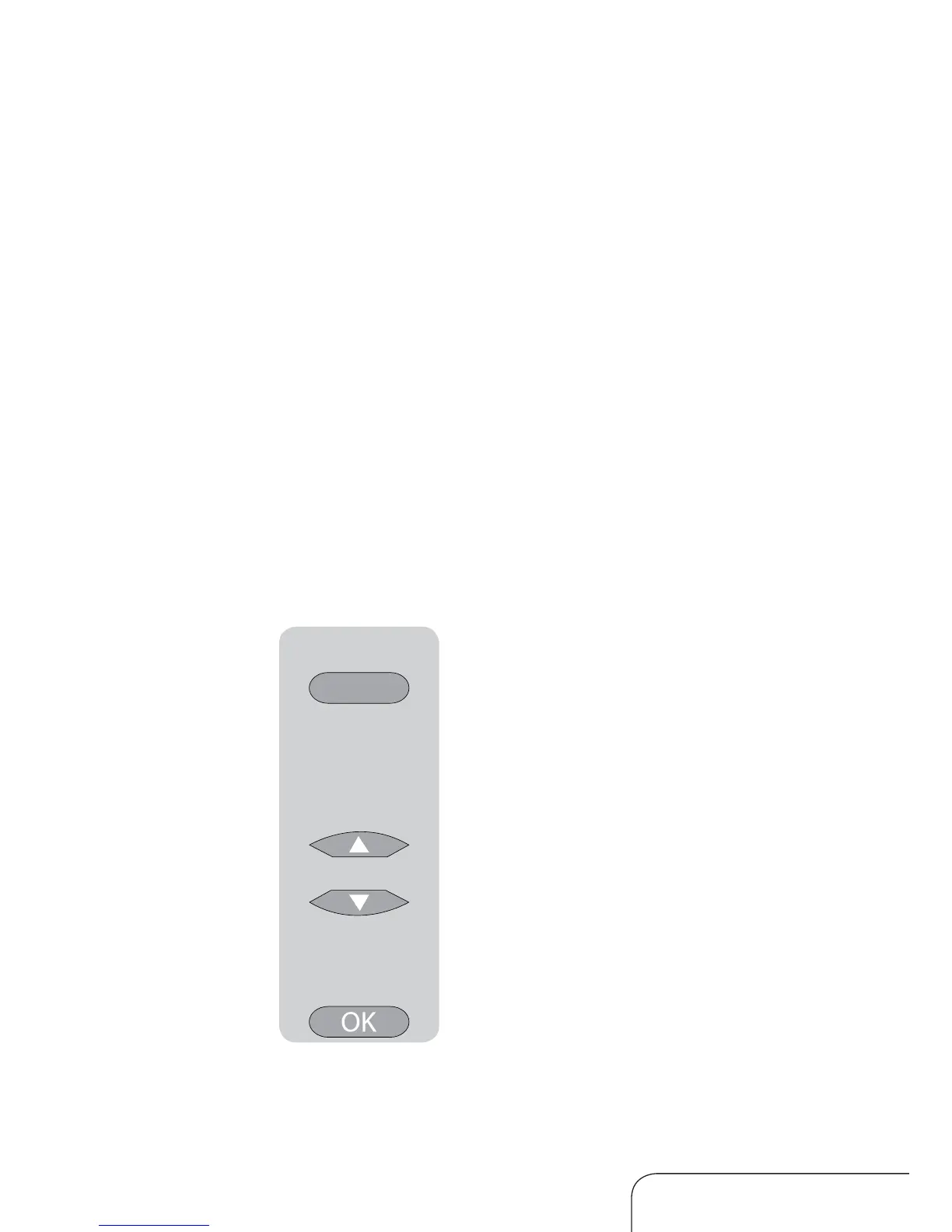
Press the SOURCE button on the remote control.
Press the up/down navigation keys to move to the
desired input source.
Press the OK button to confirm your selection.
SOURCE
Getting started



 To Next Page