Customer Help Line
TEL: 1300 886 649
36
PVR (Personal Video Recorder)
Operating the menus (Cont.)
This TV features a PVR recording and playback function which lets you:
• Instantly record a TV program (via the one-touch recording button on the remote
control).
• Time-shift playback of a digital television program.
• Set a timer to record future television programs (via the EPG).
For details about these recording functions, see pages 38-39.
IMPORTANT: For any type of recording with this television, you must have inserted
a USB device into the appropriate USB port.
USB setup
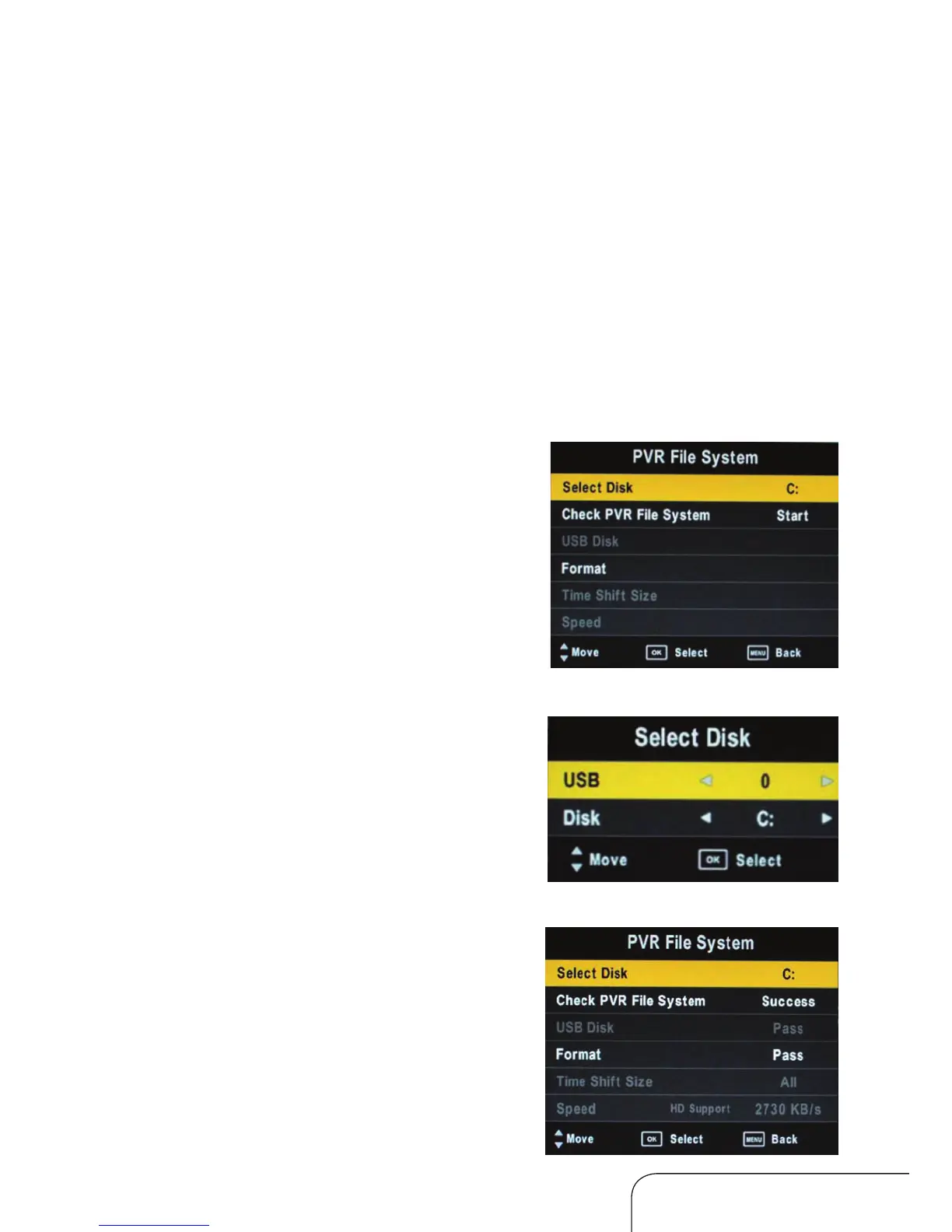
PVR file system
In DTV mode, enter the Channel menu (see
page 19) and select PVR File System.
Select the disk for storing the content you
want to record.
Check PVR file system
Select “Check PVR File System” and press
OK to check your USB device. If no USB
device is connected, a notice will advise you
accordingly.



 To Next Page