Customer Help Line
TEL: 1300 886 649
23
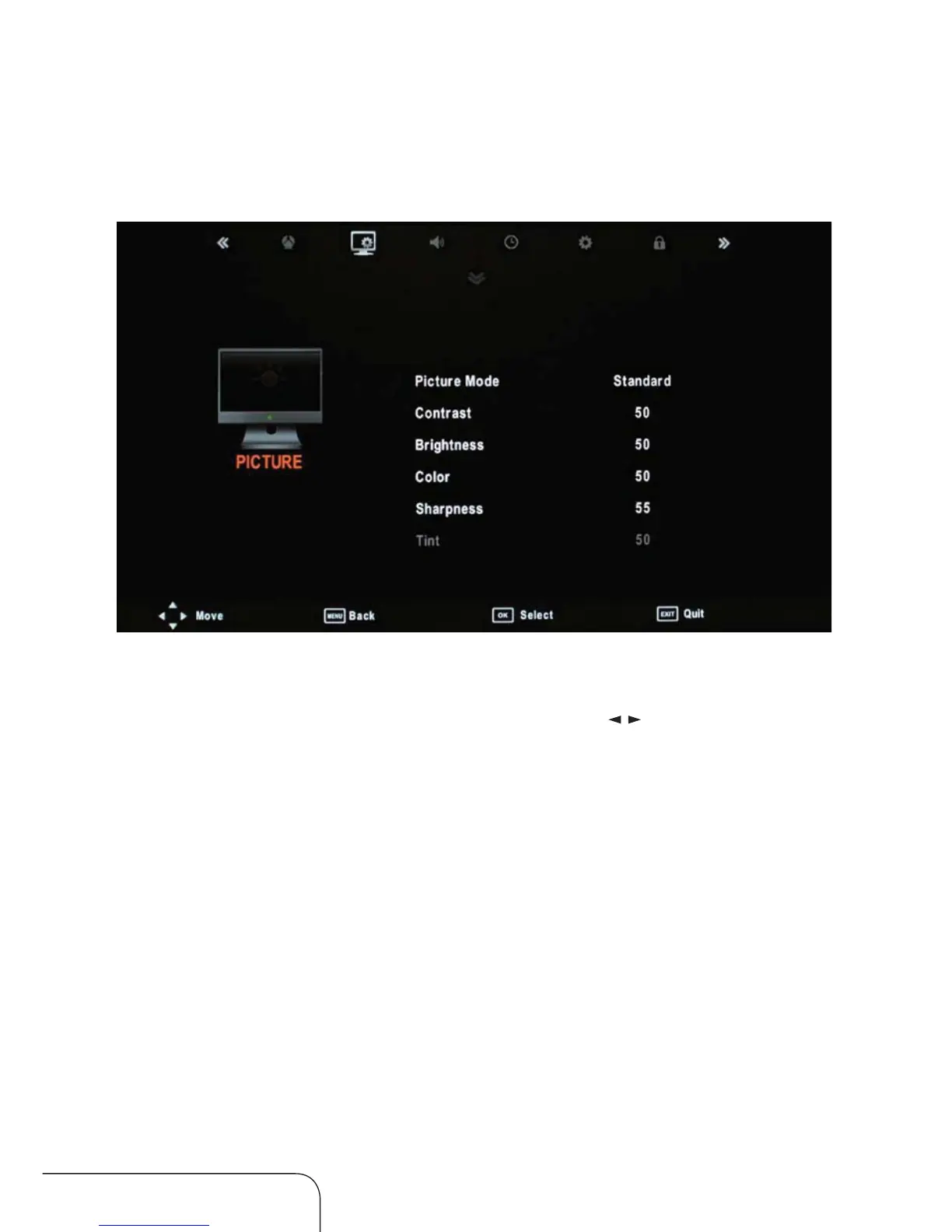
Picture menu
Operating the menus (Cont.)
Picture Mode
Change the picture display mode with the right/left / navigation keys.
You can select from Standard, Mild, User and Dynamic modes.
NOTE: You need to set Picture Mode to User to be able to adjust contrast,
brightness, colour and sharpness. The tint value can only be adjusted
in NTSC signal.



 To Next Page