Customer Help Line
TEL: 1300 886 649
19
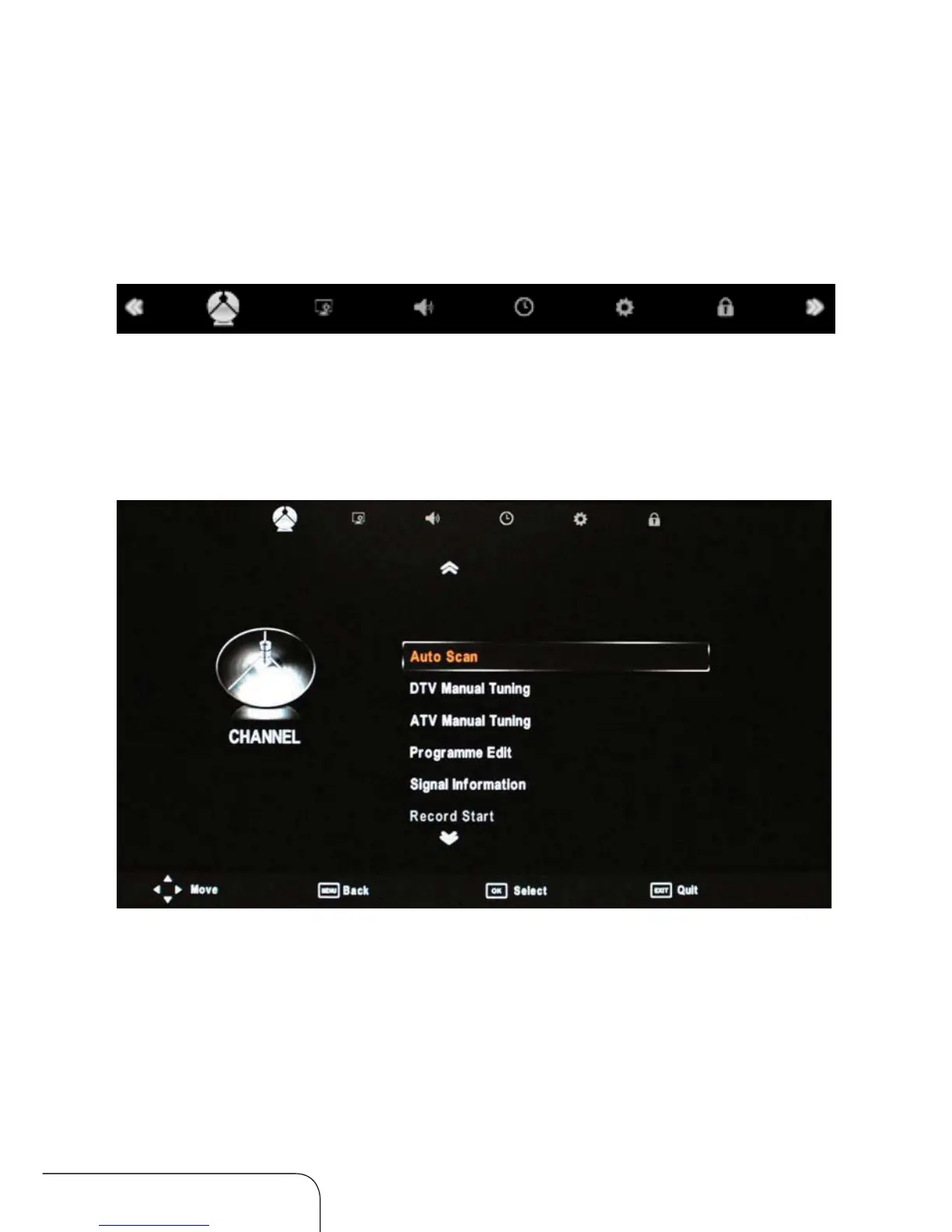
1. Press the MENU button on the remote control, the on-screen menu will
appear on the screen.
2. Use the left and right navigation keys to select your main option.
The main menu items, from left to right, are:
Channel Picture Sound Time Option Lock
Operating the menus
Channel menu
From the Channel menu you can search channels, either automatically or
manually, and set up a variety of channel options.
NOTE: You can only select the Channel menu in ATV/DTV mode.
NOTE: All default settings have been selected for Australia.



 To Next Page