Customer Help Line
TEL: 1300 886 649
30
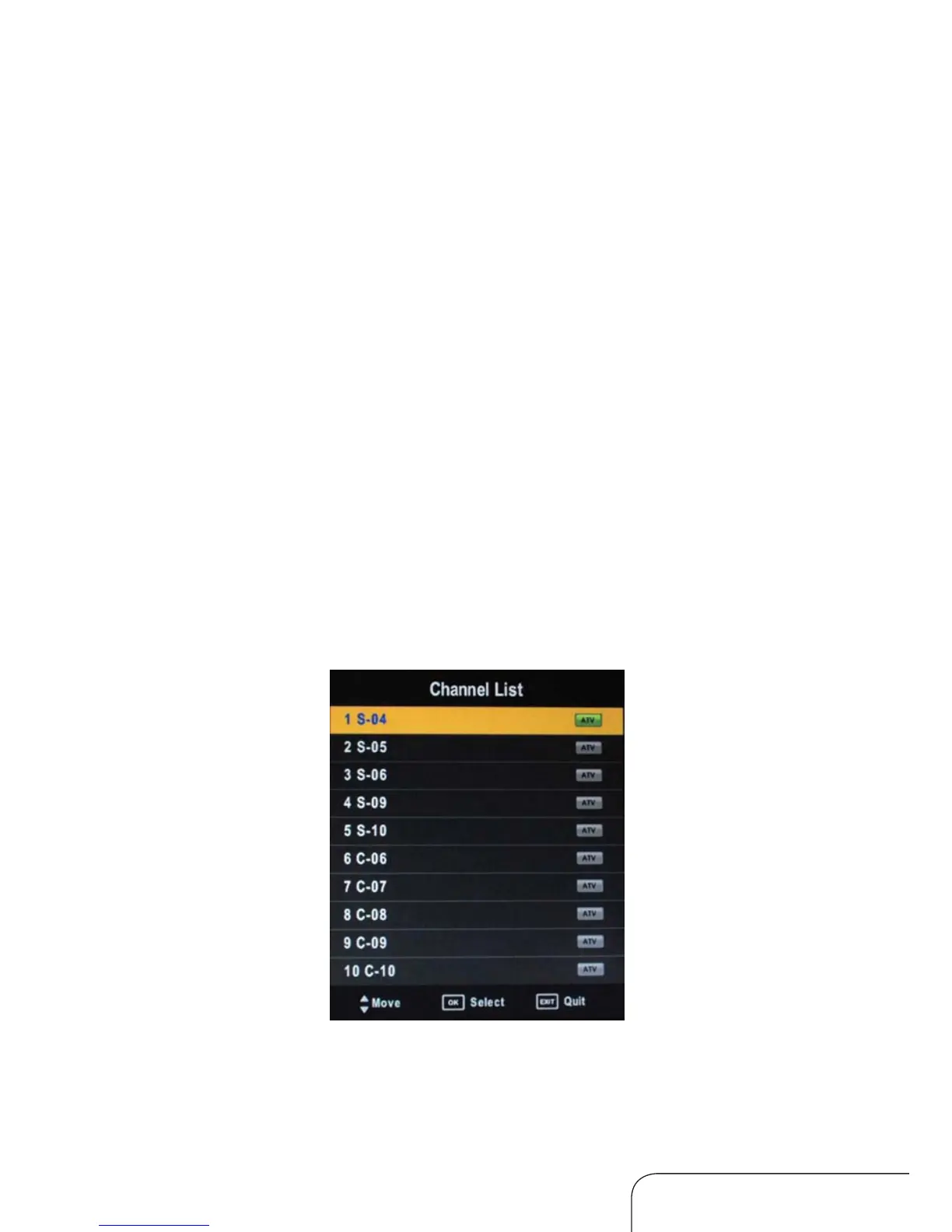
Channel List
Press the OK button on the remote control to display the list of all tuned
channels, as below:
Favourite List
Press the FAV button on the remote control to display your list of favourite
channels.
Other menus
Operating the menus (Cont.)
Hotel Setting
Allows you to Enable and Disable variousfeatur es of the TV.
Hotel Lock: Enable or Disable the feature
Lock Channel: Enable or Disable access to the Channel Menu
Set Source: Set the default Input Source
Channel Number : Use with Set Source options
Picture Lock: Enable or Disable access to the Picture Menu
Key Lock: Enable or Disablebuttons on TV
Max Volume: Set the maximumselectable v
olume level
Source Lock: Enable or Disable the various Sources such as HDMI, AV, etc.
Clear Lock: Rest ore all HotelSettings to default.



 To Next Page