Customer Help Line
TEL: 1300 886 649
32
Multimedia menus
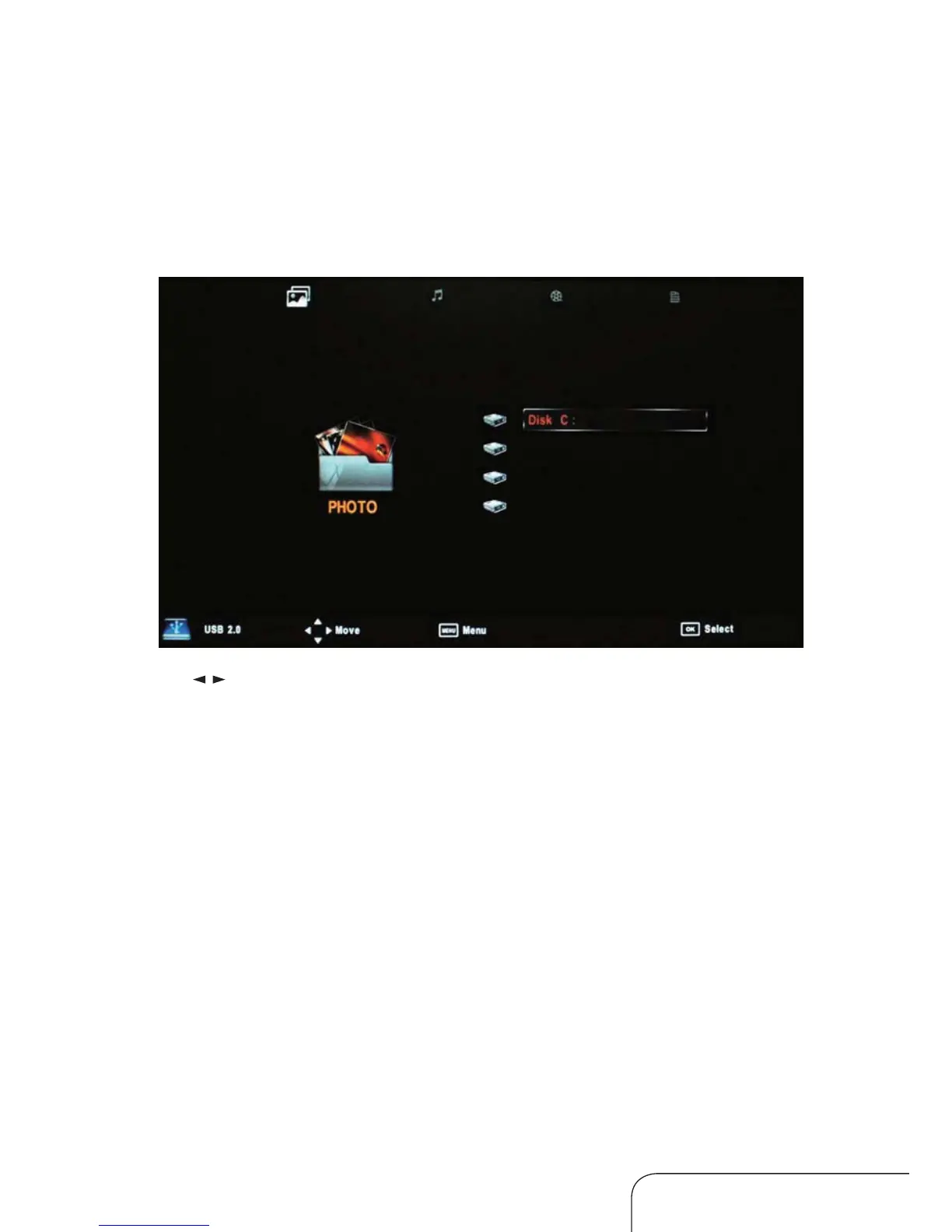
Press the SOURCE button on the remote control, then choose USB to
enter Multimedia mode. Make sure you have an appropriate USB device
connected.
Your options are as below, from left to right:
PHOTO MUSIC MOVIE TEXT
Use the
/ buttons to select your option and press OK to enter the
submenu.
Text submenu
In the Text submenu, your chosen text le and details will be displayed in a
preview frame. Press OK [Play] to enter full screen text mode.
Operating the menus (Cont.)



 To Next Page