Customer Help Line
TEL: 1300 886 649
26
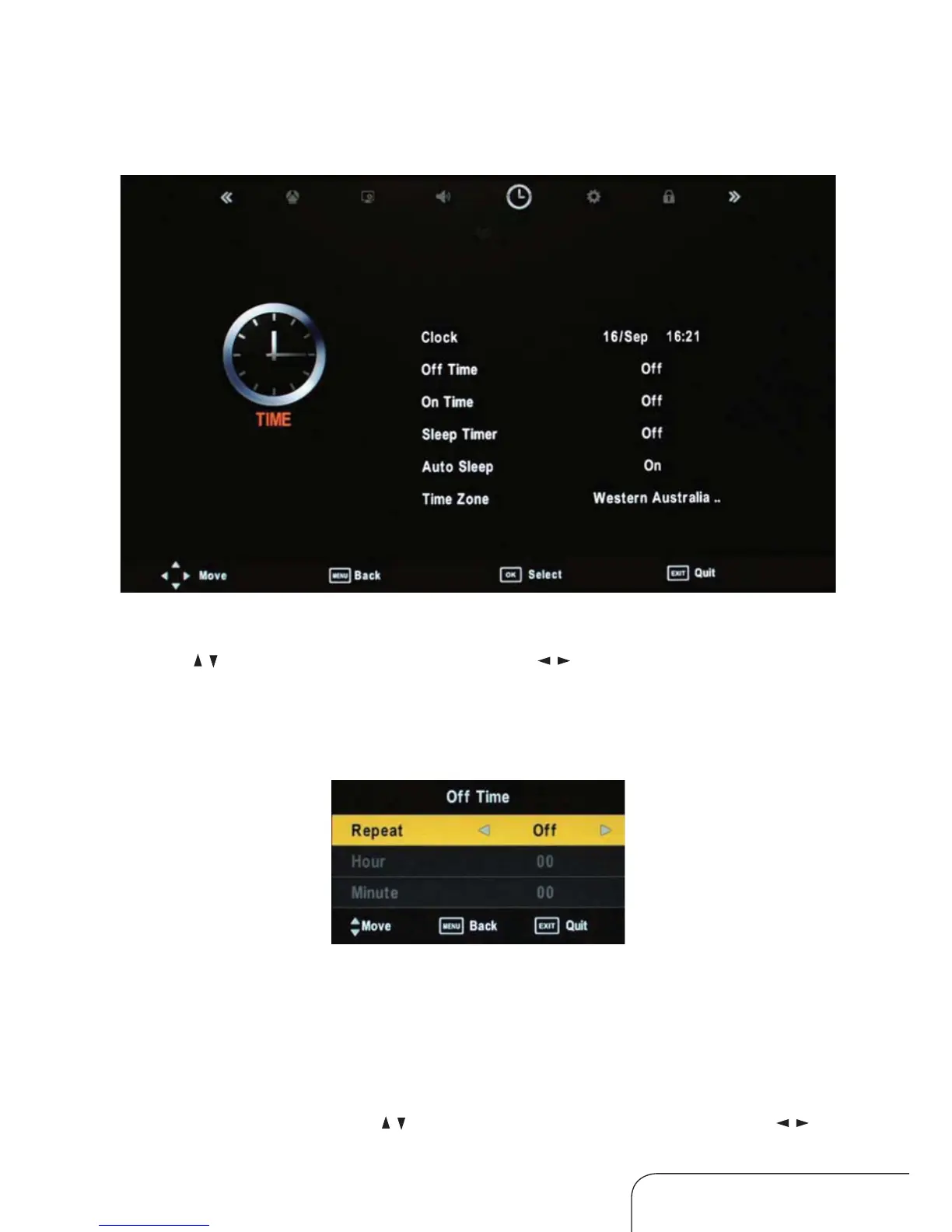
Time menu
Clock
Use the / keys to select Clock, then use the / keys to set the time.
NOTE: You cannot change the time manually in DTV mode, as the time
comes directly from a signal source.
O time
You can set the time when the TV set will be turned o automatically, you
can also set the frequency:
Repeat options:
O / Once / Everyday / Mon~Fri / Mon~Sat / Sat~Sun / Sun.
Hour/Minute
To change the time, use the
/ keys to select this option, then use the /
keys to adjust the time.
Operating the menus (Cont.)



 To Next Page